How to run contract tests and gate deploys in API Spector
 Roy de Kleijn · · 2 min read
Contract testing catches breaking changes between a consumer and a provider before they reach production. API Spector has a contract workflow built in, and it is Pact-compatible, so it fits alongside an existing Pact setup.
1. Open the contract panel
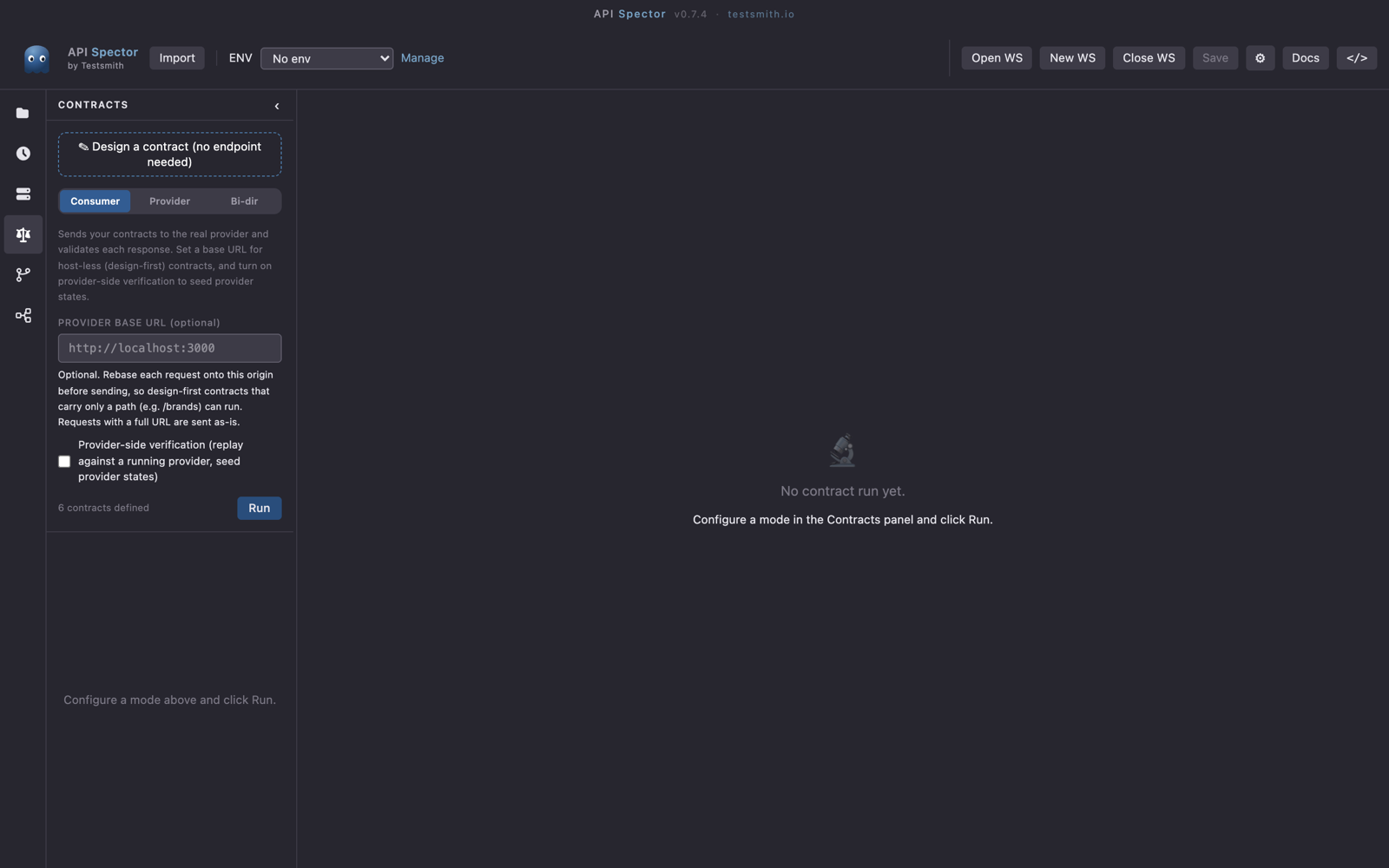
Click the Contract testing icon in the activity bar. The sidebar configures a run; the main area shows the results.
2. Design a contract
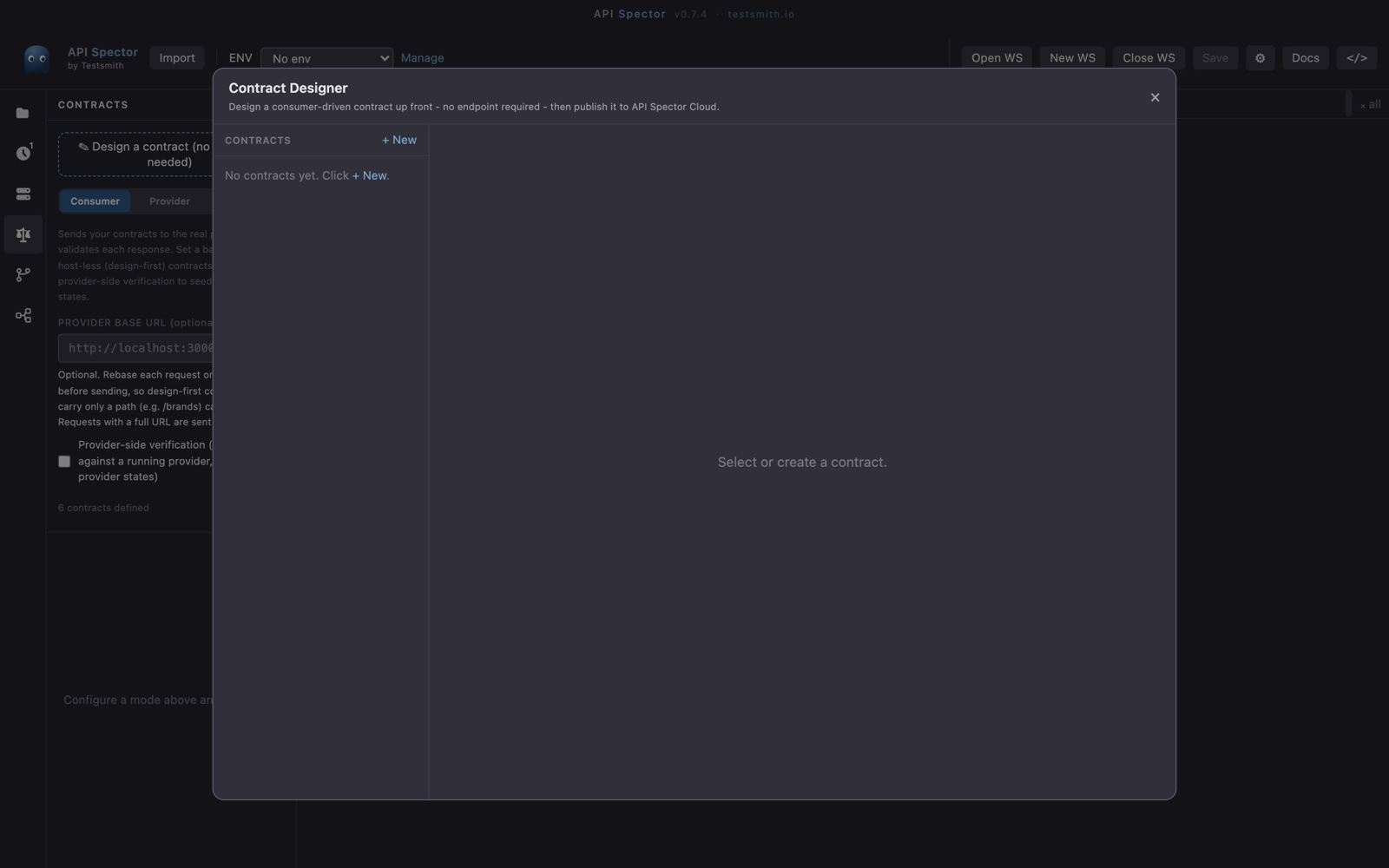
You do not need a live endpoint to start. Choose Design a contract (no endpoint needed) to open the Contract Designer. Add interactions with a consumer, a provider, a version, the request, the expected response, and an optional provider state (the Pact given). The designer compiles this to Pact. From here you can Save to workspace, which writes to a pacts/ folder, or Publish to Cloud.
3. Pick a mode and verify
The panel has three modes:
- Consumer: send the contract's interactions to a real provider. Turn on provider-side verification to replay against a running provider and seed provider states through a state handler URL.
- Provider: static analysis against the provider's published OpenAPI spec, with no HTTP calls.
- Bi-directional: check schema compatibility and live responses together.
Run the verification. The results area shows a summary bar and a pass or fail card per interaction, with the expected and actual values on each violation.
4. Record the result
Click Record, enter the pacticipant (for example web-app) and the version (for example a Git SHA), and save. API Spector writes the result to contracts/results/ and reports that it recorded the version for the dashboard and can-i-deploy.
5. Gate the deploy
Recorded results feed the deploy-check gate. Before you ship a version to an environment, can-i-deploy answers whether every consumer and provider it depends on is compatible with what is already there. Use Push to cloud to publish a consumer pact or a provider OpenAPI spec to API Spector Cloud, then open View matrix to see compatibility across every consumer and provider.
The point of the gate is simple: a deploy proceeds only when the contracts say the versions involved still fit together.