How to check HTTP semantics in API Spector
 Roy de Kleijn · · 2 min read
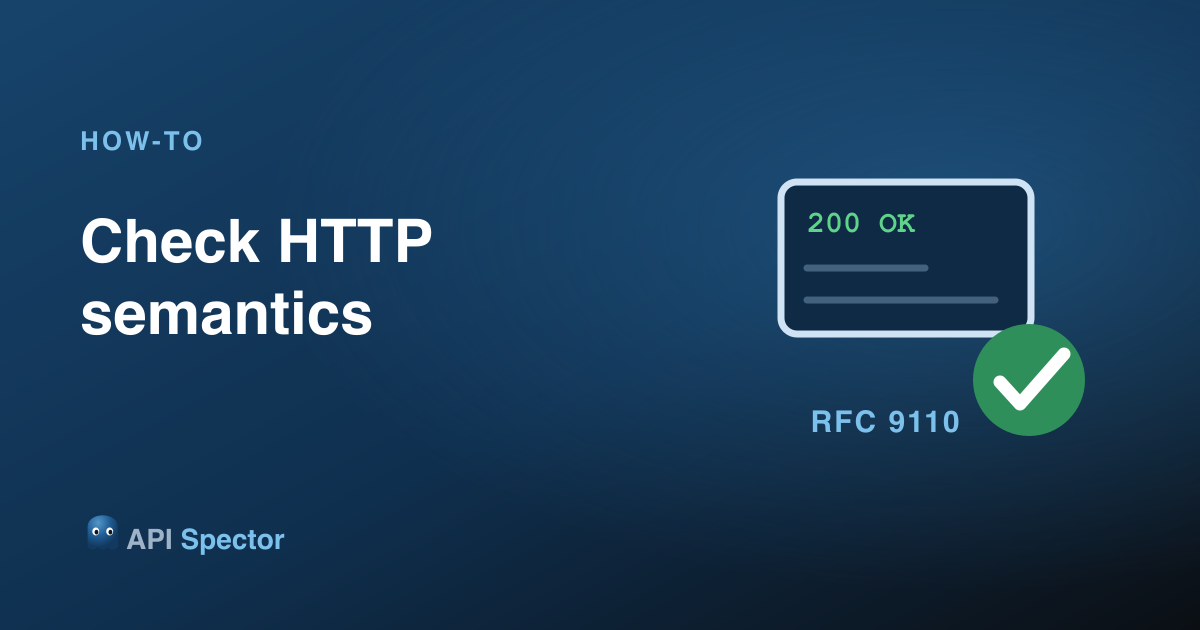
A response can pass your assertions and still be wrong as HTTP: a 204 that carries a body, caching headers that contradict each other, a status used in a way the spec does not allow. API Spector checks every response against the HTTP specification automatically.
The HTTP tab
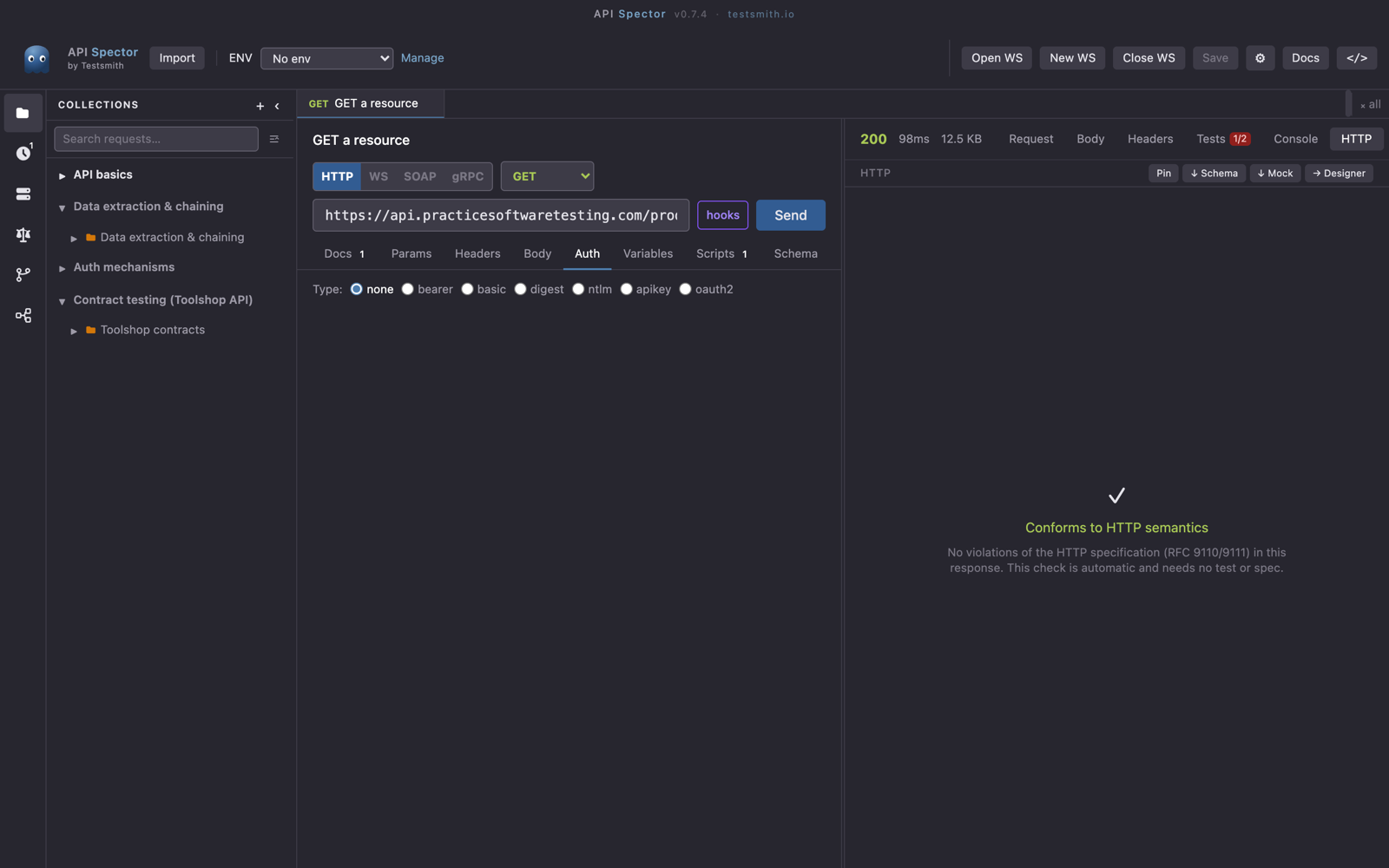
After any send, open the HTTP tab in the response panel. API Spector validates the response against HTTP Semantics (RFC 9110) and HTTP Caching (RFC 9111), independent of your own tests or any OpenAPI spec. When the response is well-formed, it reports that it conforms to HTTP semantics.
What it catches
The checks flag the response-level defects that functional tests miss, each with a spec reference, for example:
- A
204,205, or304that carries a response body, when those statuses must not. - Caching headers (
Cache-Control,Expires,ETag) that contradict each other. - Status codes used in ways the specification does not permit.
Why it matters
These are the defects that pass a green test suite but break real HTTP clients, proxies, and caches. Because the check runs on every send, you see them without writing a single assertion, and the same validation runs in the CLI for CI gating.