How to set custom headers in API Spector
 Roy de Kleijn · · 1 min read
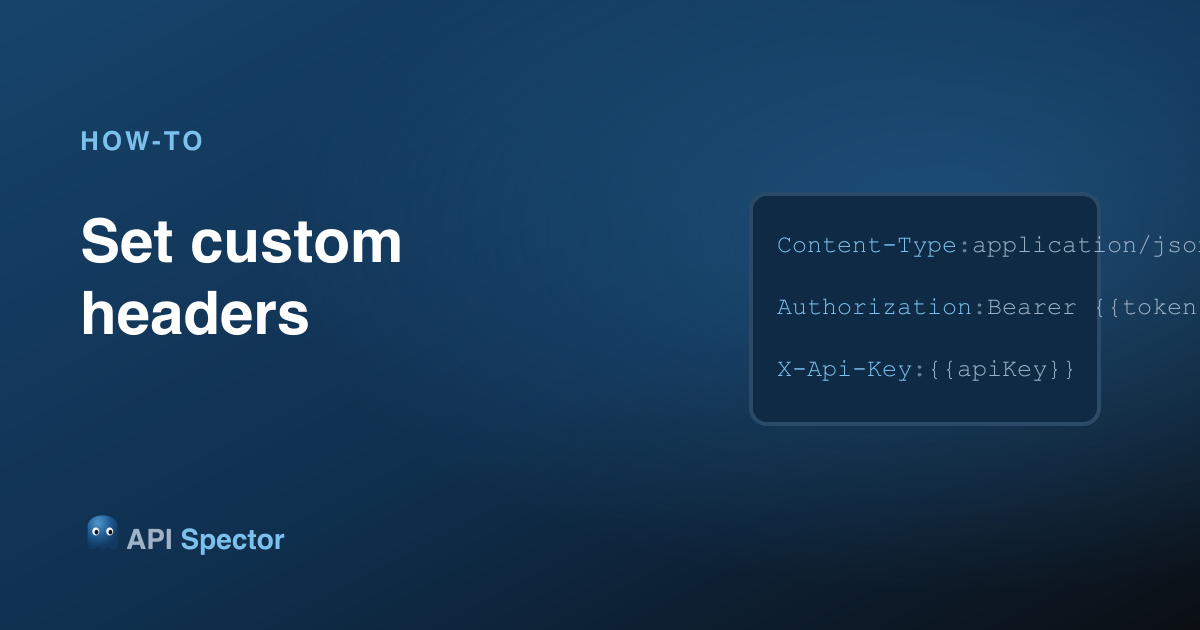
Most requests need headers: a content type, an auth token, an API key, a trace id. API Spector sets them per request in the Headers tab.
1. Open the Headers tab
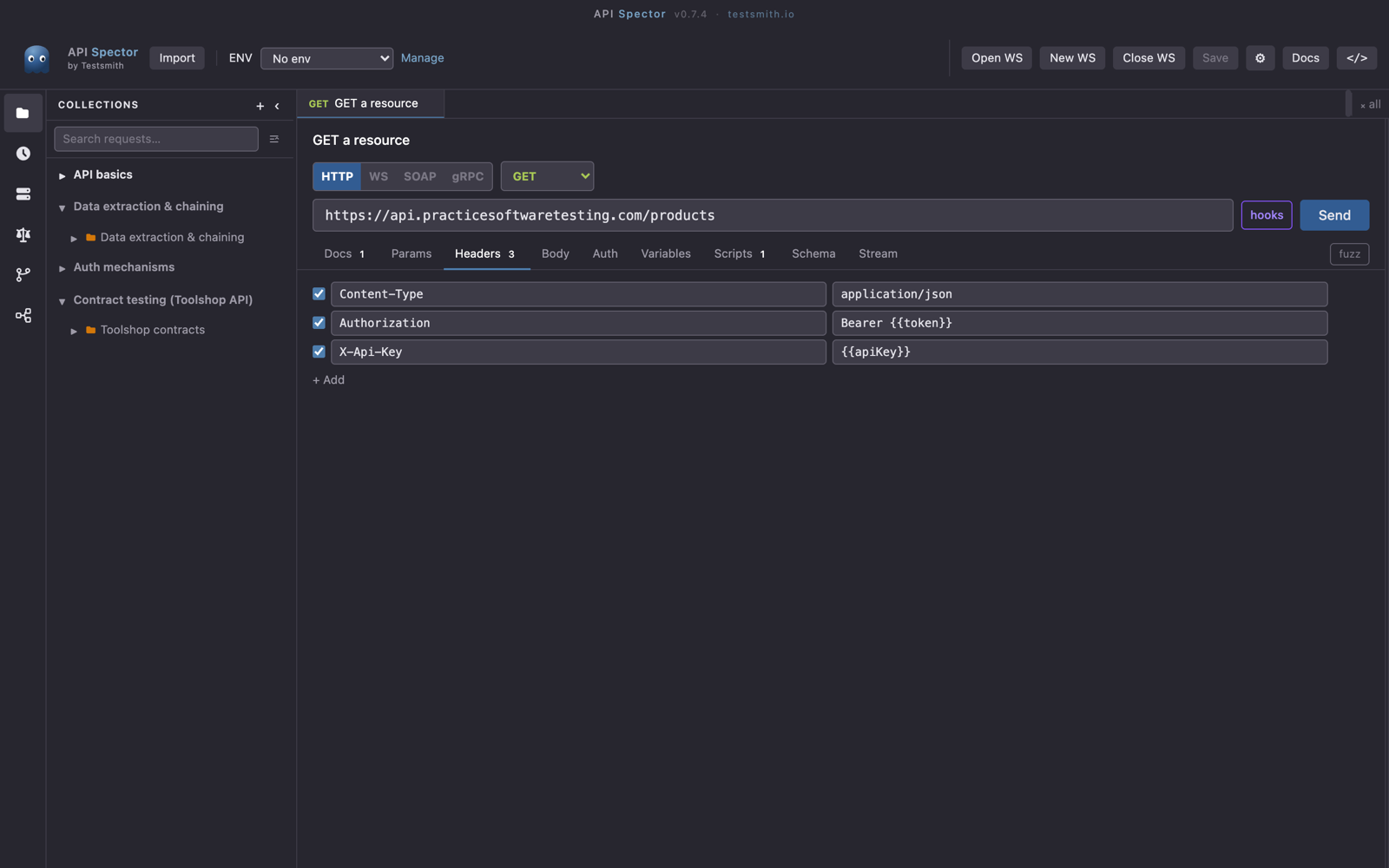
In the request, open the Headers tab. It is a simple key/value table.
2. Add a header
Type a header name, for example Content-Type, and its value, for example application/json. Add as many rows as you need. Toggle a row off to disable a header without deleting it.
3. Use variables in header values
Header values accept {{variable}} placeholders, so you can put {{token}} or {{apiKey}} in the value and let the active environment fill it in. That keeps secrets out of the request and lets you swap them per environment.
Share headers across a collection
To apply the same headers to every request in a collection or folder, set them once on the collection or folder. Each request inherits them, and can still override a header by setting it itself.