How to create a data-driven test in API Spector
 Roy de Kleijn · · 2 min read
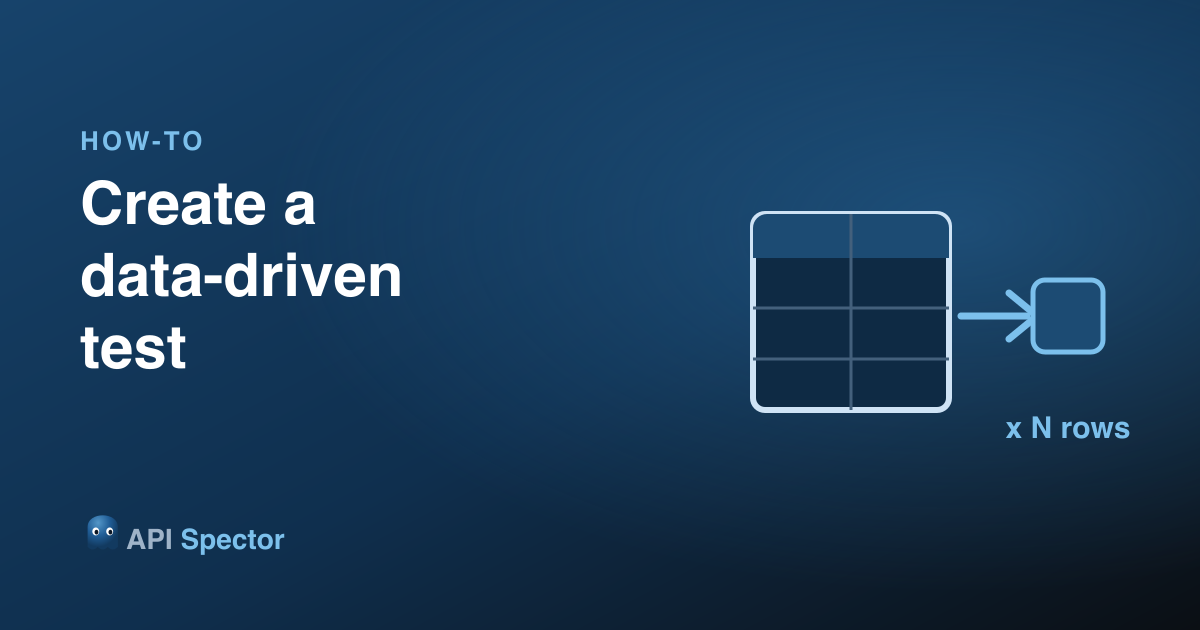
A data-driven test runs the same requests once per row of data: different inputs, the same assertions. In API Spector you attach a data table to a collection or folder, and the requests inside it iterate over the rows.
1. Add a data table
Open a collection (or folder) and open its data table. Add a column for each value that changes between cases, and a row per case.
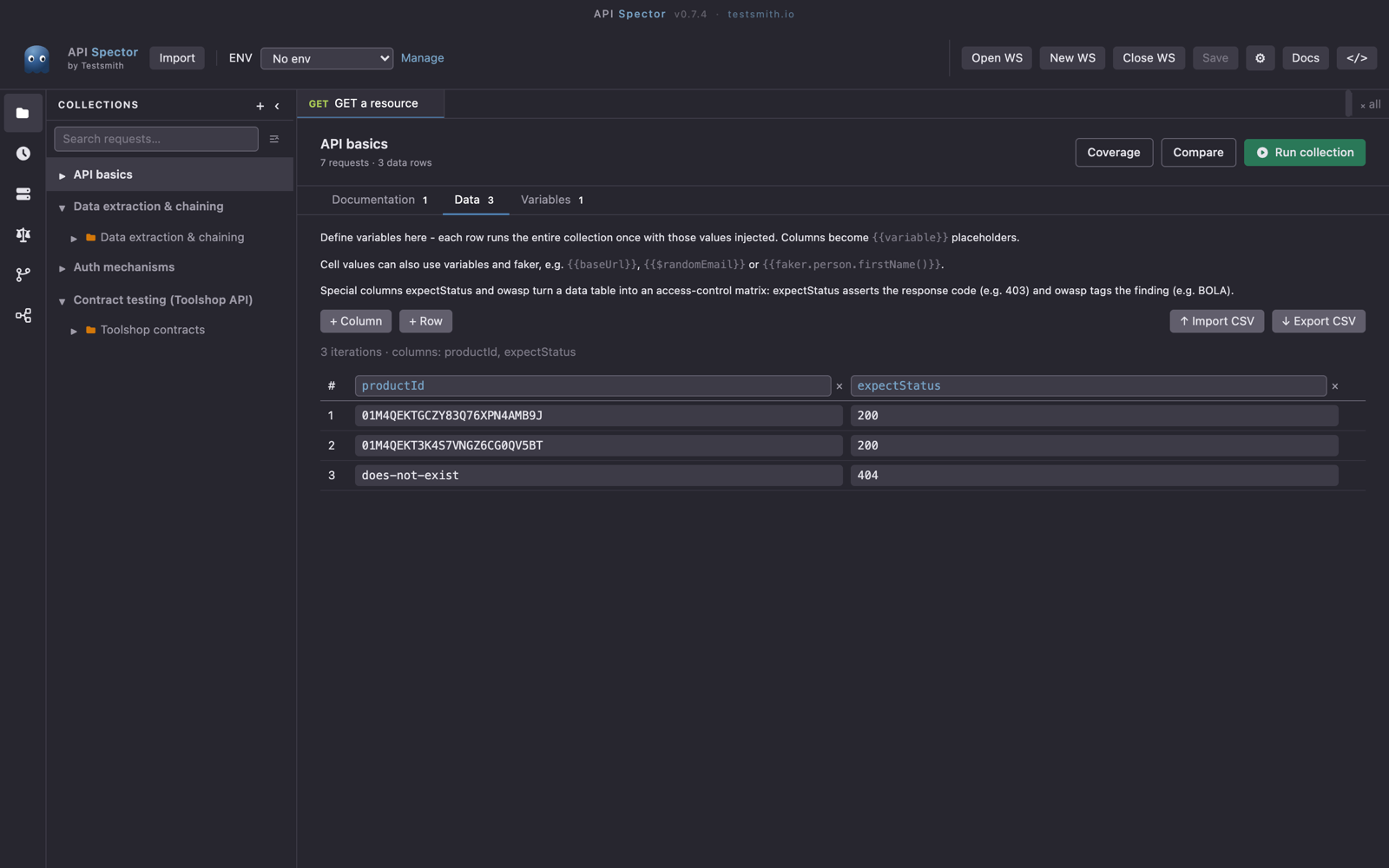
2. Reference the columns
In your requests, reference a column with {{column}}, the same syntax as a variable. On each iteration, API Spector fills {{column}} from the current row, in the URL, headers, body, or anywhere else.
3. Run across all rows
Run the collection or folder. Each request runs once per data row, so one request becomes N test cases, and the runner shows a result per row.
Assert per row
A data table can also carry special columns such as expectStatus, so a single table drives both the inputs and the expected outcome of each case.
Preview one row while building
While authoring a request, use the data-row picker (No data row / Row N) to preview the request with a specific row's values before you run the whole set.