How to import selected endpoints from an OpenAPI spec in API Spector
 Roy de Kleijn · · 1 min read
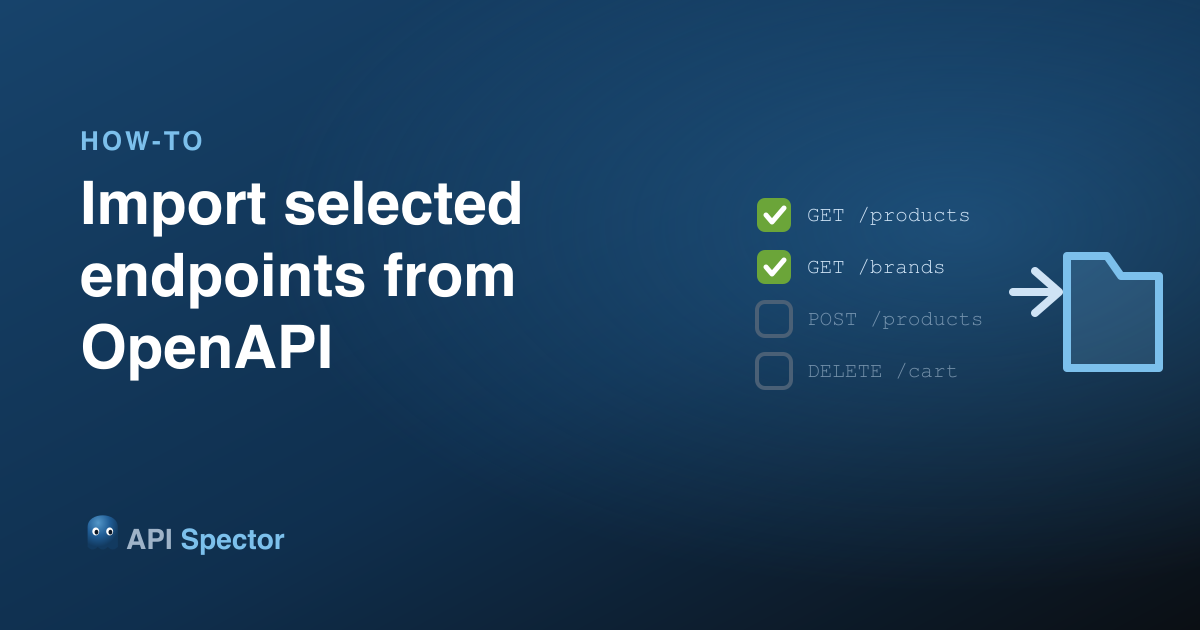
A full OpenAPI spec can list hundreds of operations, and you rarely want all of them. API Spector previews the spec and lets you import only the endpoints you pick.
1. Open the import dialog and choose OpenAPI
Click Import in the toolbar, choose OpenAPI, and point it at a spec file or a URL.
2. Review the preview
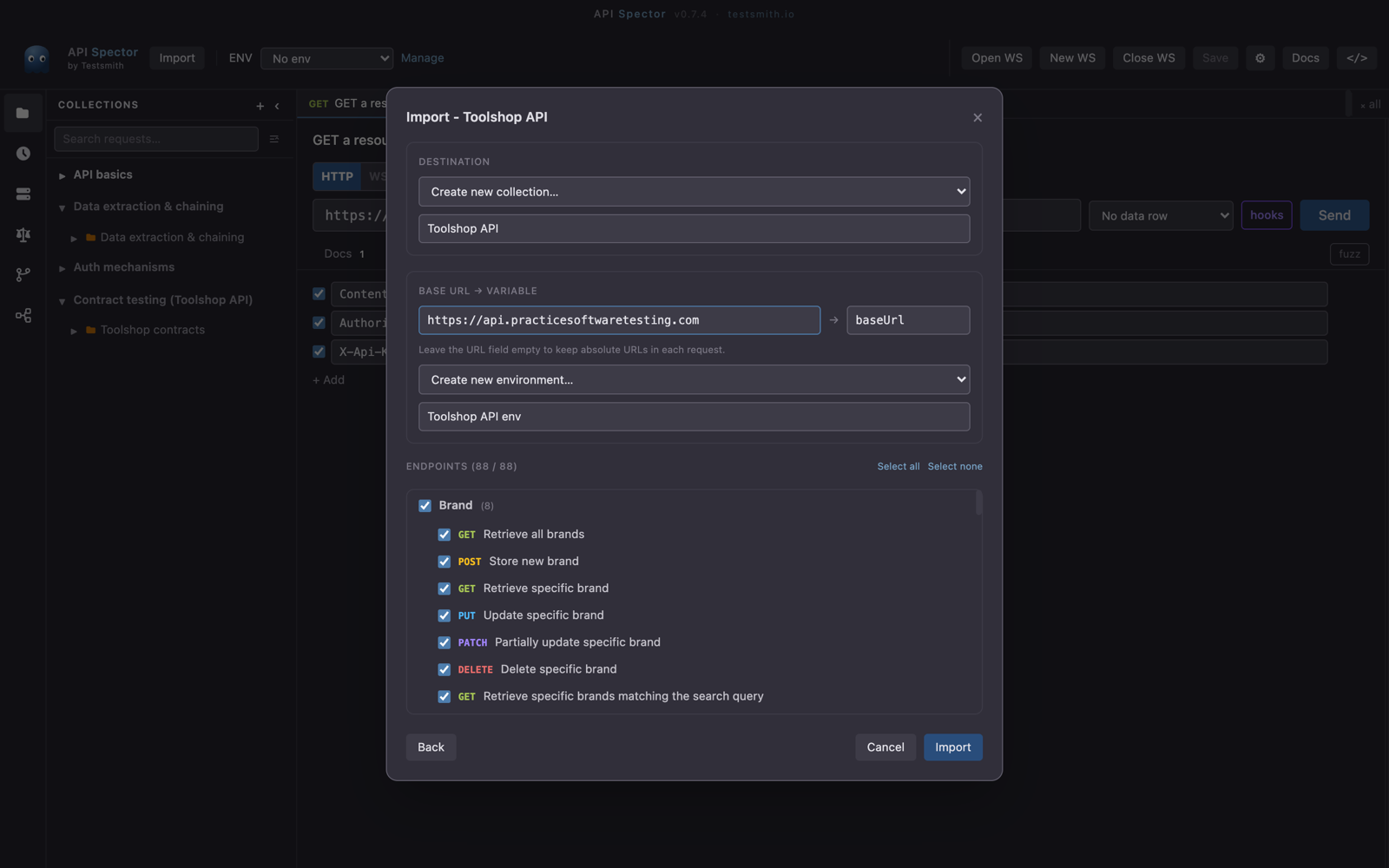
API Spector parses the spec and lists its operations, grouped by path, each with its method and route. Nothing is imported yet, this is just a preview.
3. Pick the endpoints you want
Tick the operations you need, or use Select all and untick the few you do not. This is how you pull in the handful of endpoints a task needs instead of a wall of requests.
4. Choose a destination and base URL
Pick or create a destination collection. Optionally extract the base URL into an environment variable, so every imported request uses {{baseUrl}} and you can repoint them all at once.
5. Import
Confirm, and only the endpoints you selected become requests, each with its method, path, and parameters, ready to send.