How to create a mock server in API Spector
 Roy de Kleijn · · 2 min read
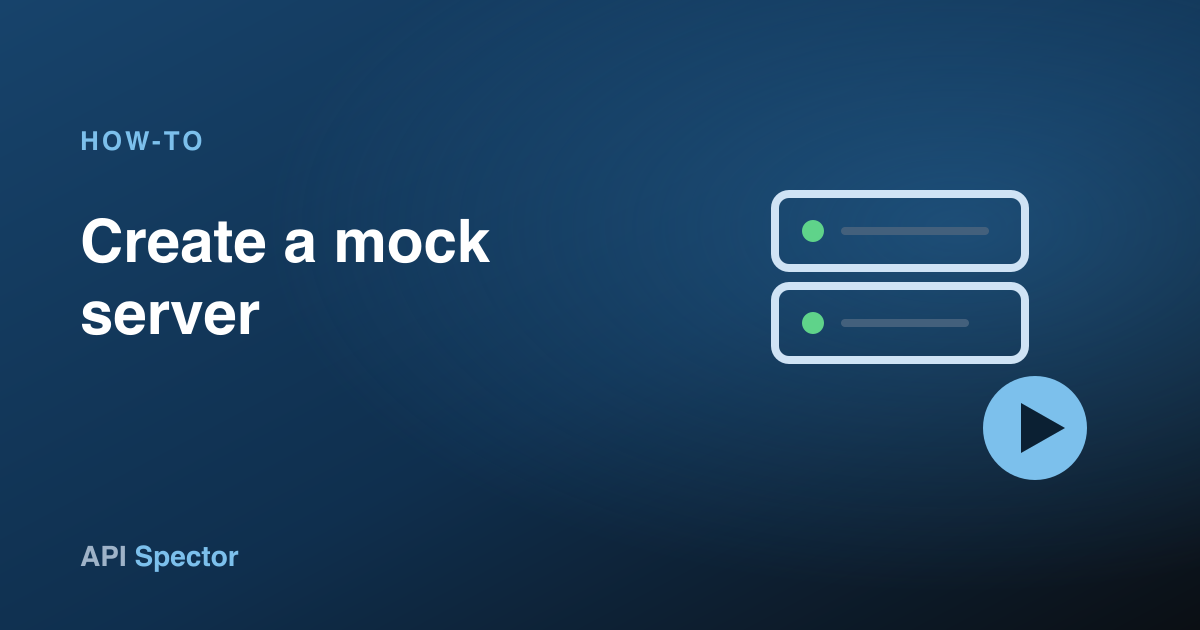
A mock server lets you stand up a fake API on your machine so the rest of the team can build against it before the real endpoint is ready. API Spector mocks run locally and can be started from the app or the command line.
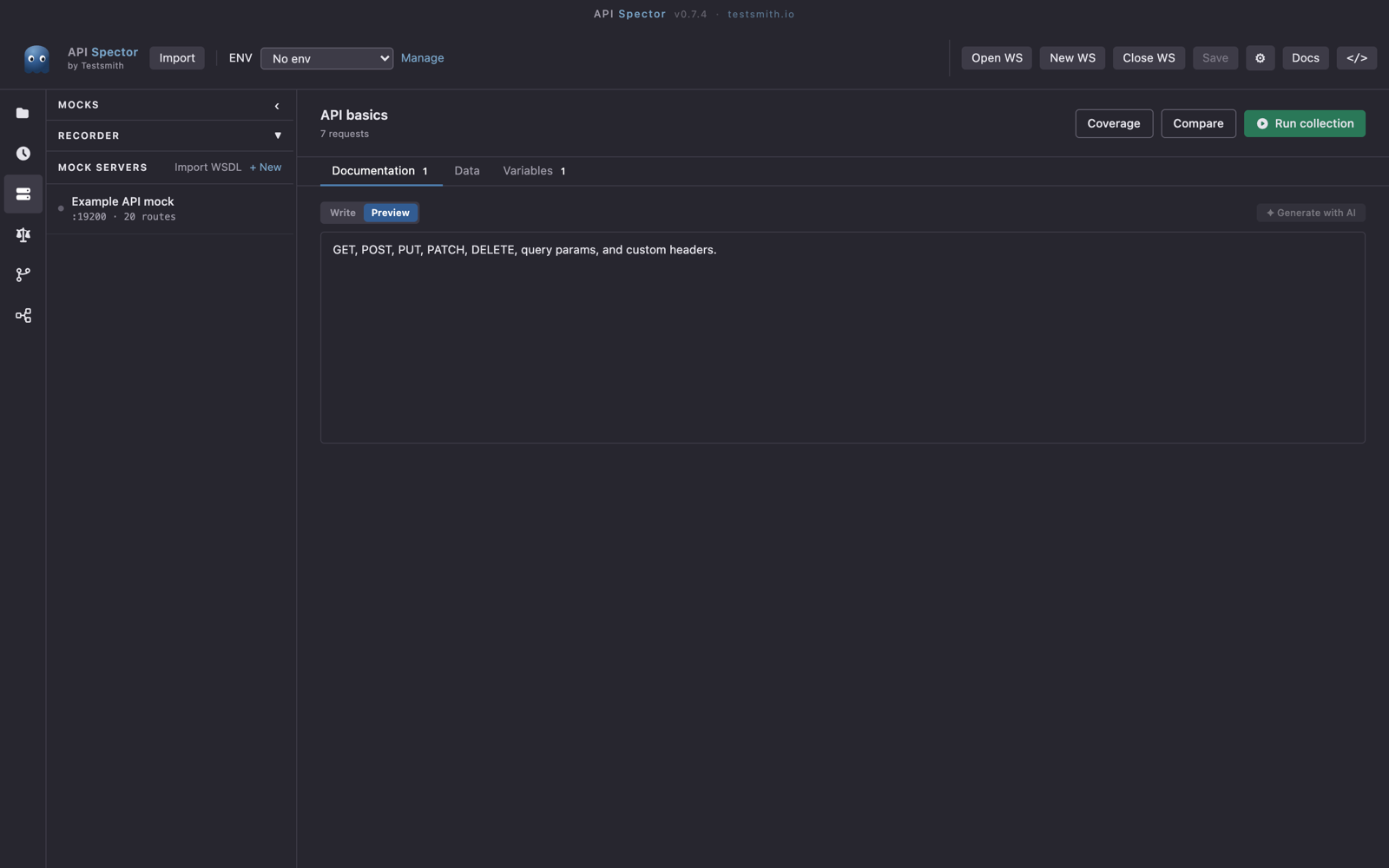
1. Create a server
Click the Mock servers icon in the activity bar on the far left, then + New. Give the server a name and a port.
2. Add a route
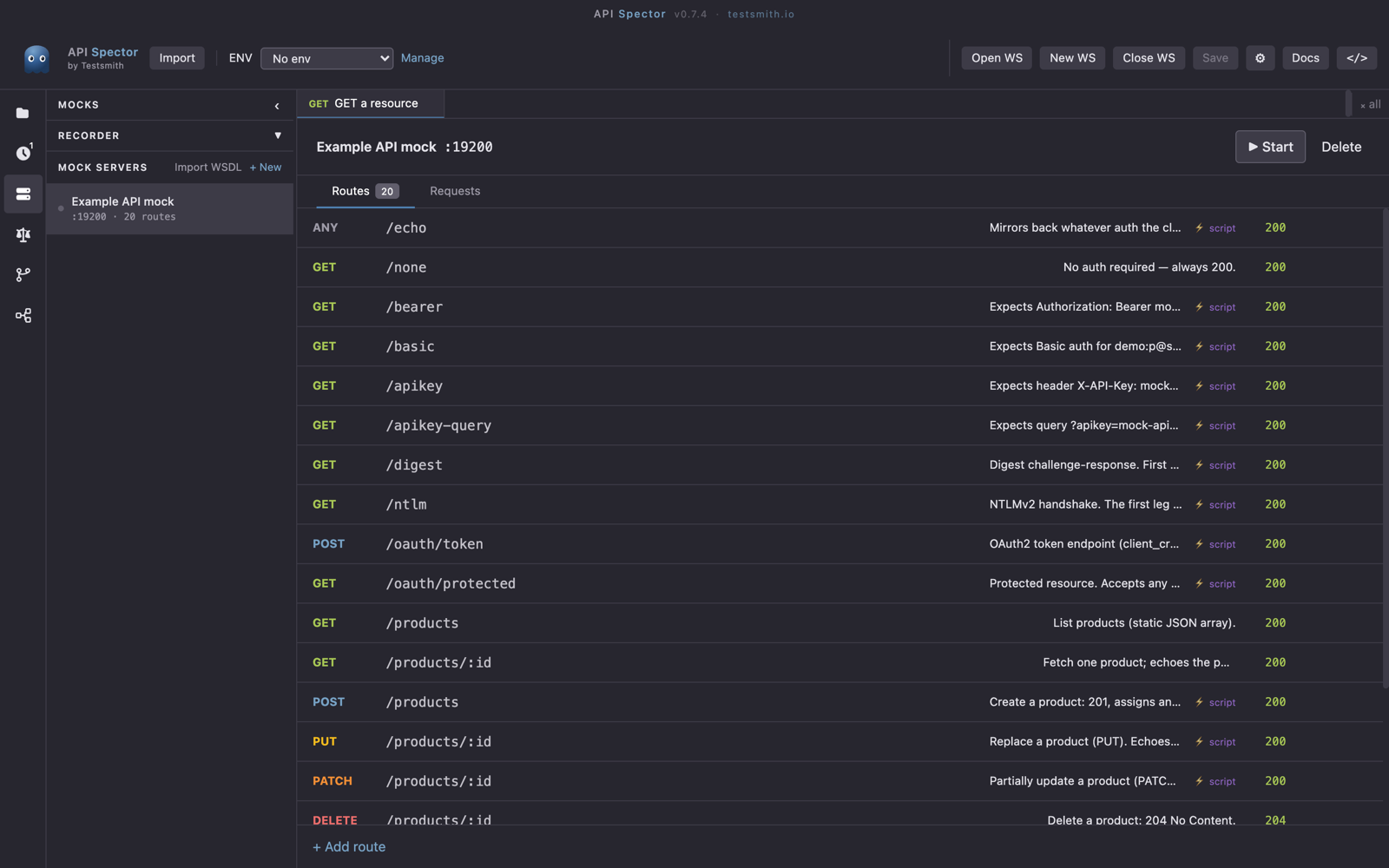
Click + Add route and fill in:
- Method: any verb, including
ANYto match all. - Path: for example
/users/:id, with:idas a parameter. - Status code and Response body. The body supports
{{faker.*}}for generated data, and{{request.params.*}}and{{request.query.*}}to echo values from the incoming request. - Optional response headers, a delay in milliseconds to simulate latency, and a pre-response script to mutate the status, body, or headers before the response is sent.
3. Start it
Press Start (the ▶ control). The server runs at http://127.0.0.1:{port}. You can also start the same mock from CI or a terminal:
npx api-spector mock --workspace <path>
The requests tab shows a live log of every incoming call, including which route matched, the status, and the duration. Calls that match nothing are flagged, which makes missing routes easy to spot.
Faster ways to build routes
- Record real traffic. In the recorder section, set an Upstream URL and a Local port, then Start recording. API Spector proxies the upstream API and turns the responses it sees into routes.
- Save a response as a route. When a real request returns something useful, use ↓ Mock in the response panel to save it as a mock route.
- Generate from a WSDL. Use Import WSDL, paste the WSDL URL, and API Spector creates one dispatch route per operation for a SOAP mock.
Point your application at http://127.0.0.1:{port} and it will talk to the mock exactly as it would the real service.