How to run API tests in the UI, CLI, and Cloud
 Roy de Kleijn · · 2 min read
API Spector runs the same tests three ways: in the desktop app while you build, from the CLI in your pipeline, and in the cloud on a schedule. It is one workspace and one set of requests, run wherever you need them.
In the UI
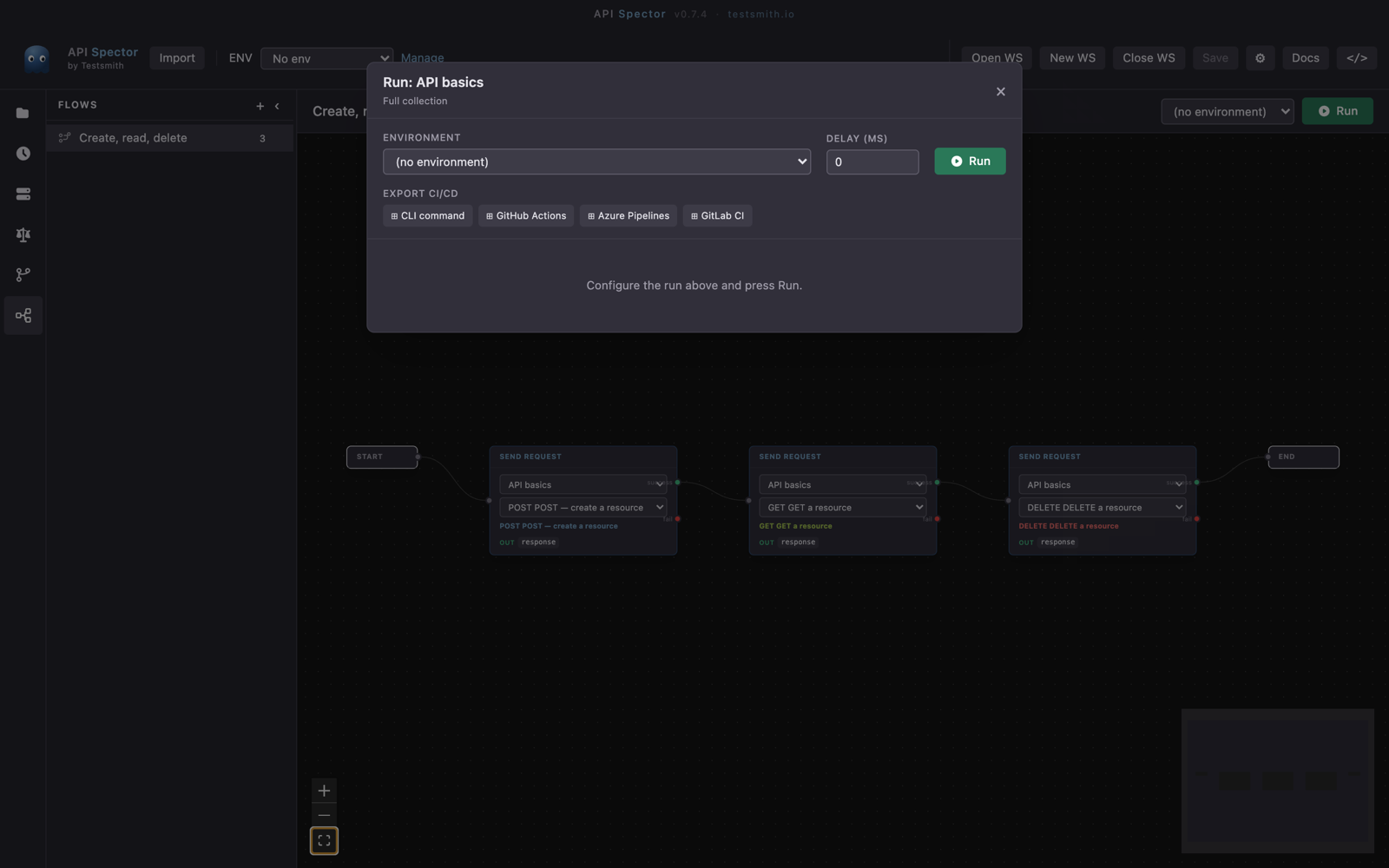
Open a collection and press Run collection to run every request with its assertions, or build a Flow and press Run. The runner shows a pass or fail for each request, and its Export CI/CD section generates ready-to-paste config for GitHub Actions, GitLab CI, and Azure Pipelines, so moving from the app to CI is a copy and paste.
From the CLI
The same workspace runs headless, which is what you put in CI:
npx api-spector run --workspace ./workspace.spector --env staging
Add --tags smoke to run a subset. There are matching subcommands for the other surfaces: api-spector flow run <name>, api-spector mock --workspace <path>, and api-spector contract run. Results export as JSON, JUnit, HTML, or SARIF, so they drop straight into your CI reports.
In the Cloud
Push to API Spector Cloud to run without a machine of your own:
- Monitors: push a request as a monitor and the cloud runs it on an interval and alerts you when it breaks.
- Flows: push a flow and run it in the cloud, on demand or on a schedule.
- Contract broker: publish contracts and let
can-i-deploygate your deploys from the cloud matrix.
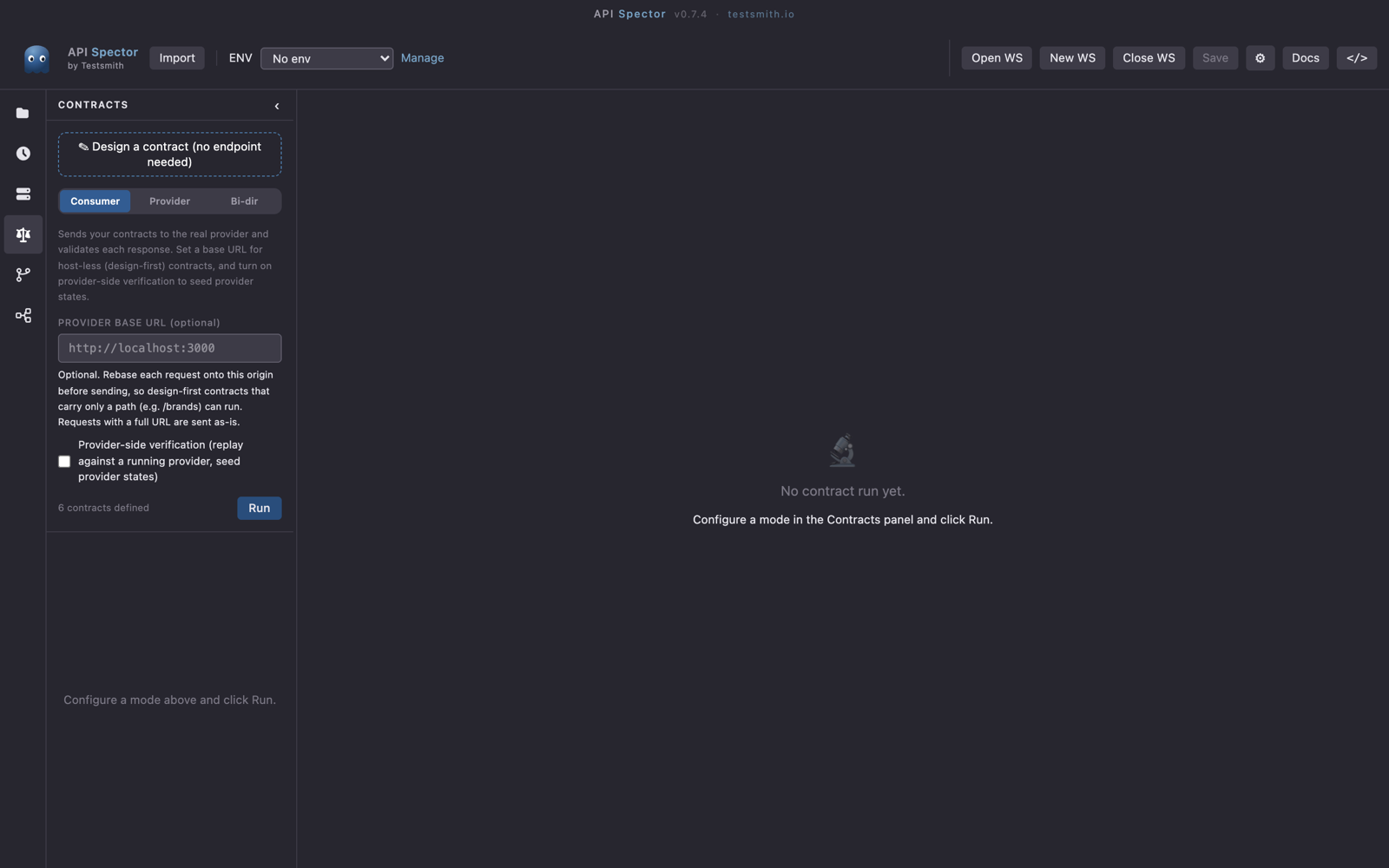
The cloud is the hosted, team layer. The app and the CLI stay local-first and free.
Which to use
- Use the UI while you are building and debugging.
- Use the CLI in CI, so a breaking change fails the build.
- Use the Cloud for always-on monitoring, scheduled runs, and cross-team contract checks.