How to import a Bruno collection in API Spector
 Roy de Kleijn · · 1 min read
API Spector reads Bruno collections, so you can move across without re-authoring your requests.
1. Open the import dialog
Click Import in the toolbar and choose Bruno.
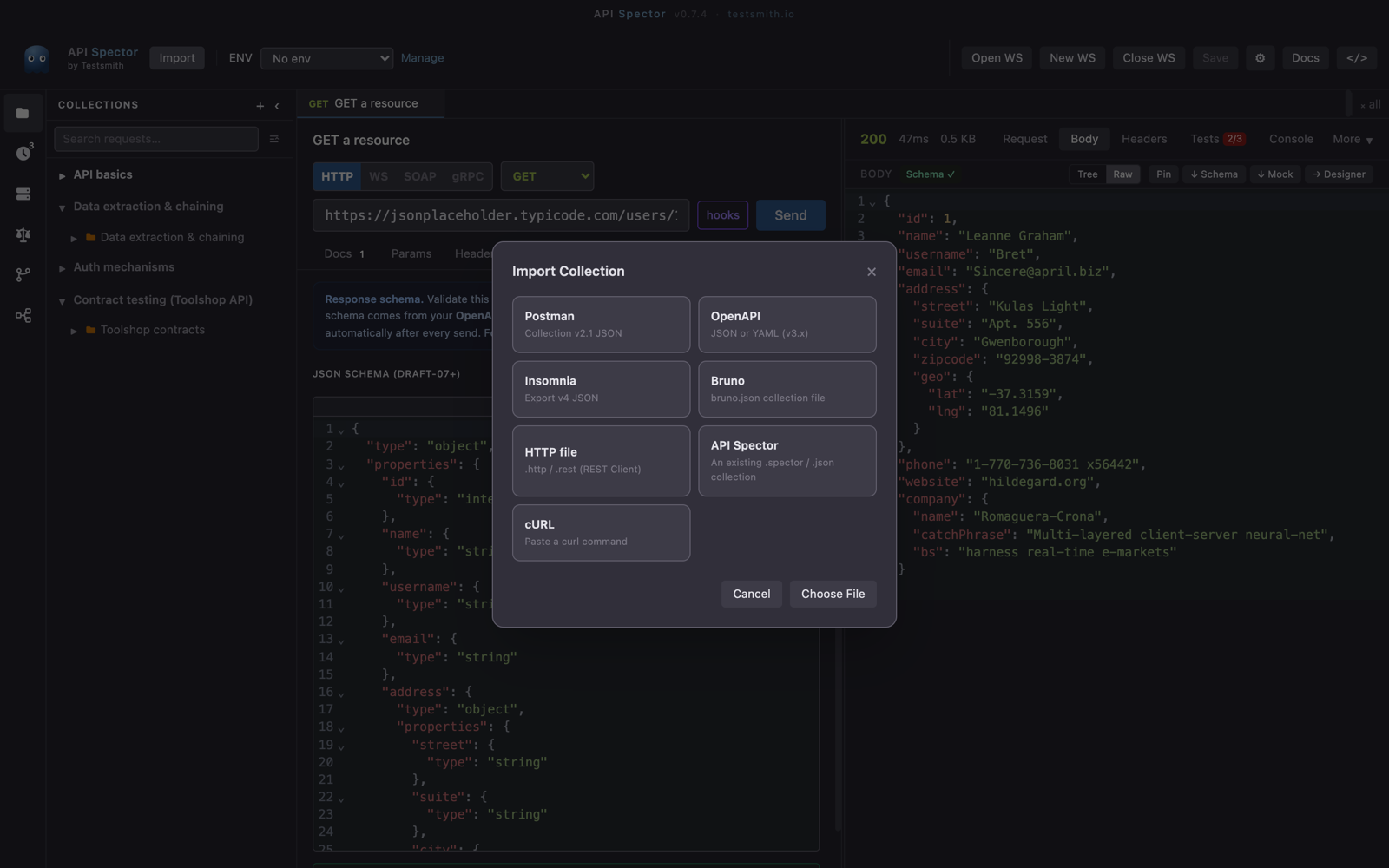
2. Point at the bruno.json file
Select the collection's bruno.json file. API Spector reads the collection and recreates its folders and requests.
3. Done
The imported requests land in a new collection in your workspace, stored locally as a .spector file. Open any request and press Send to confirm it came across cleanly.