How to import a Postman collection in API Spector
 Roy de Kleijn · · 1 min read
Switching from Postman does not mean rebuilding your requests. API Spector imports a Postman collection directly.
1. Export from Postman
In Postman, export the collection as Collection v2.1 (JSON).
2. Import into API Spector
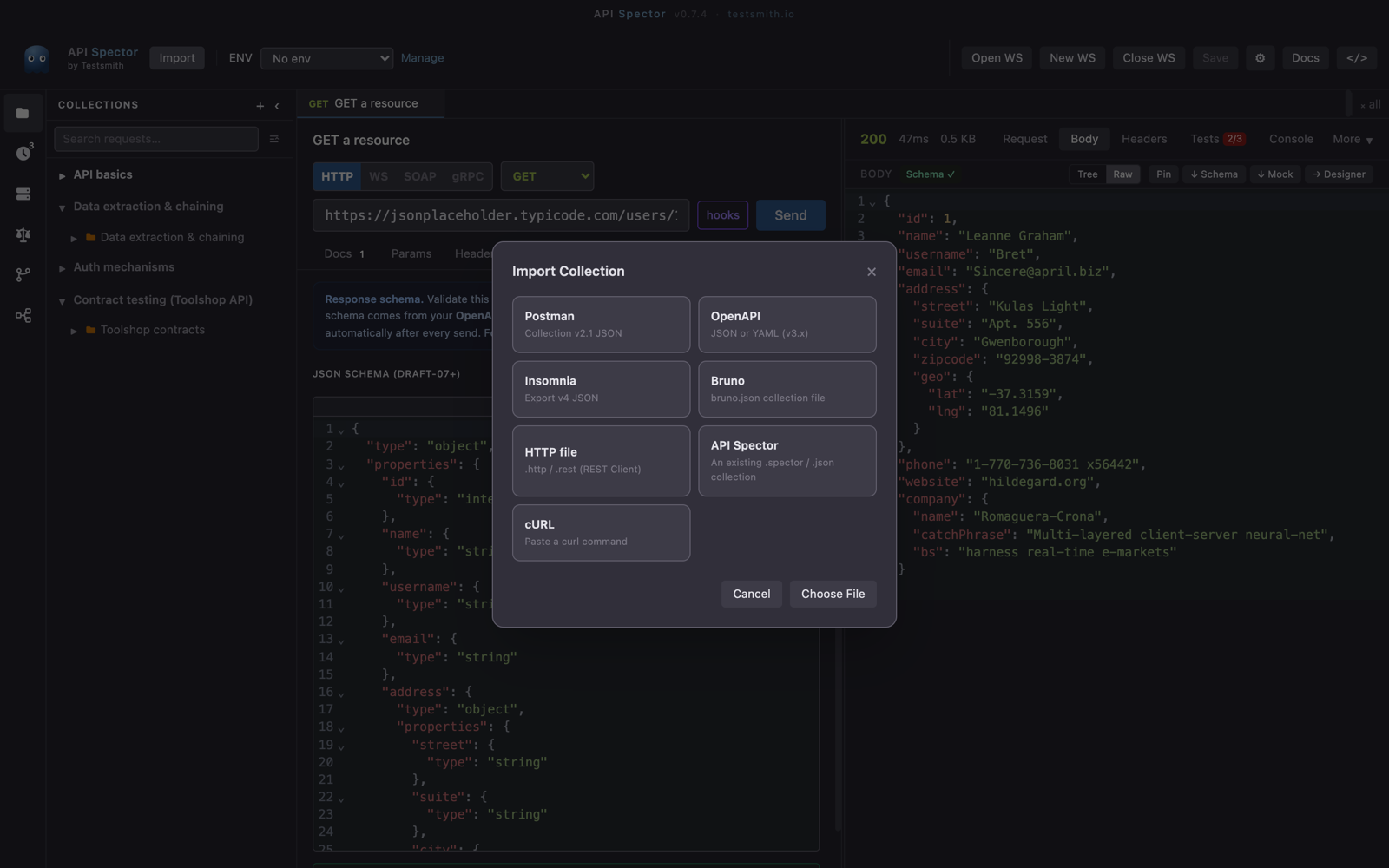
Click Import in the toolbar and choose Postman, then pick the exported JSON file.
3. Done
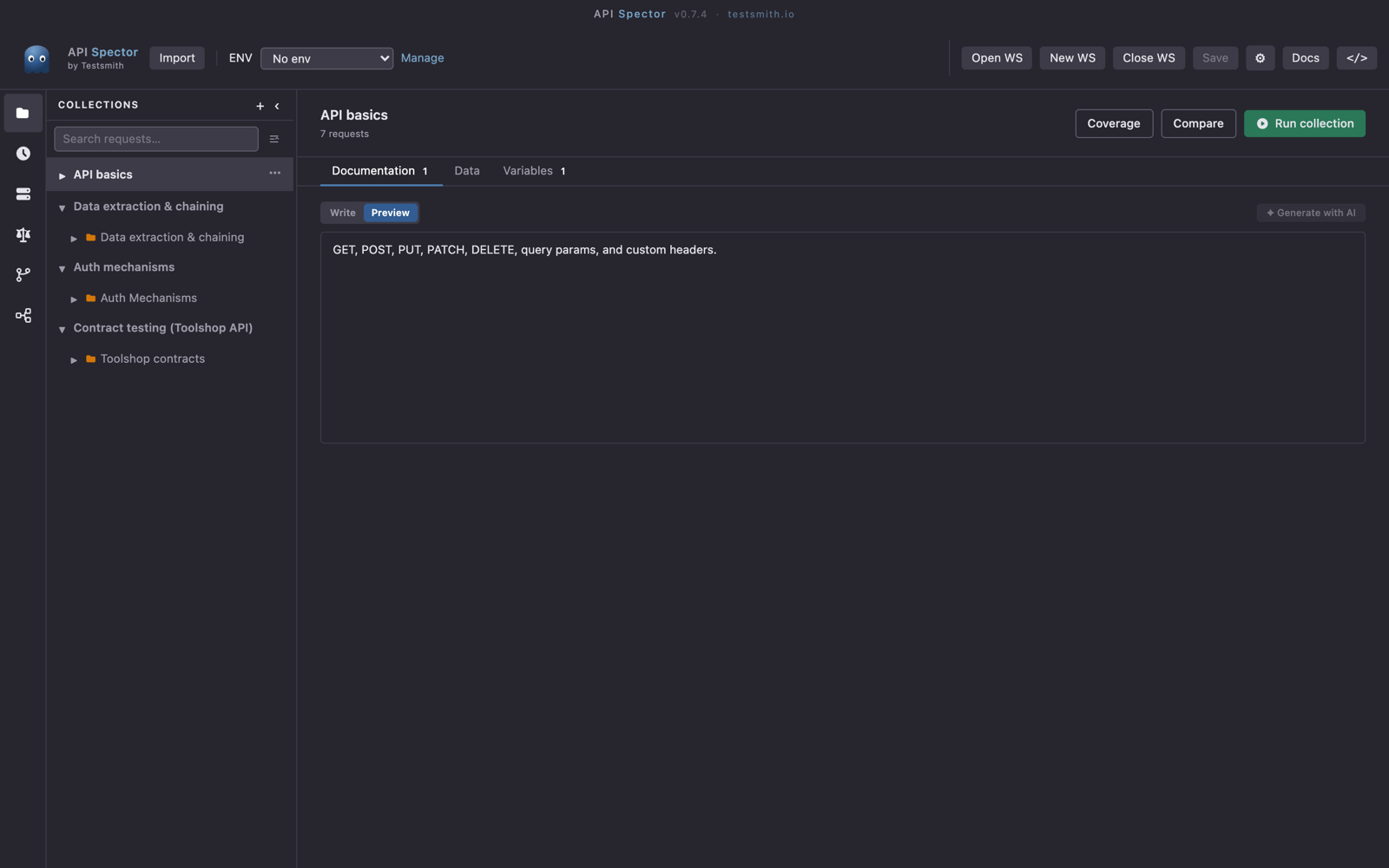
The collection comes across with its folders, requests, headers, bodies, and variables. From here it lives in your local .spector workspace, which you can commit to Git, and your requests send from your machine with no account required.
If a request relied on Postman scripts, review the imported Scripts tab, since the pre-request and post-response script APIs differ between the two tools.