How to start the mock server from the CLI in API Spector
 Roy de Kleijn · · 2 min read
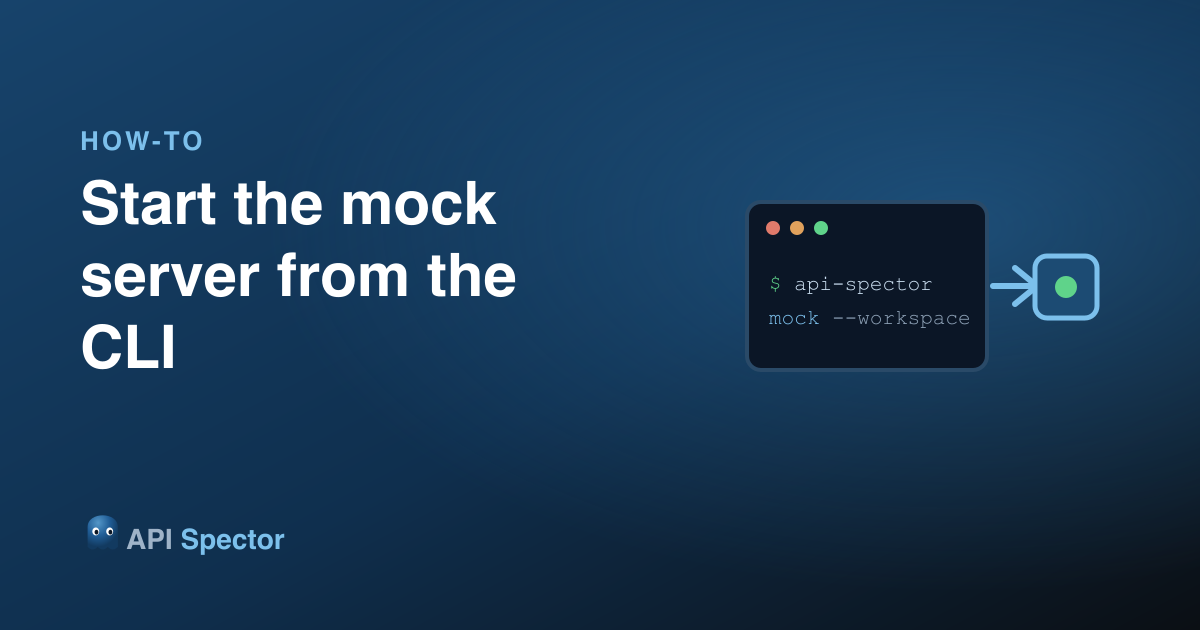
API Spector's mock servers do not need the app open. The mocks you define in a workspace can run headless from the CLI, which is what you want in CI, in a container, or just in a terminal next to your editor.
1. Point the CLI at your workspace
A workspace file holds your mock definitions. Start every mock in it with one command:
npx api-spector mock --workspace ./my-workspace.spector
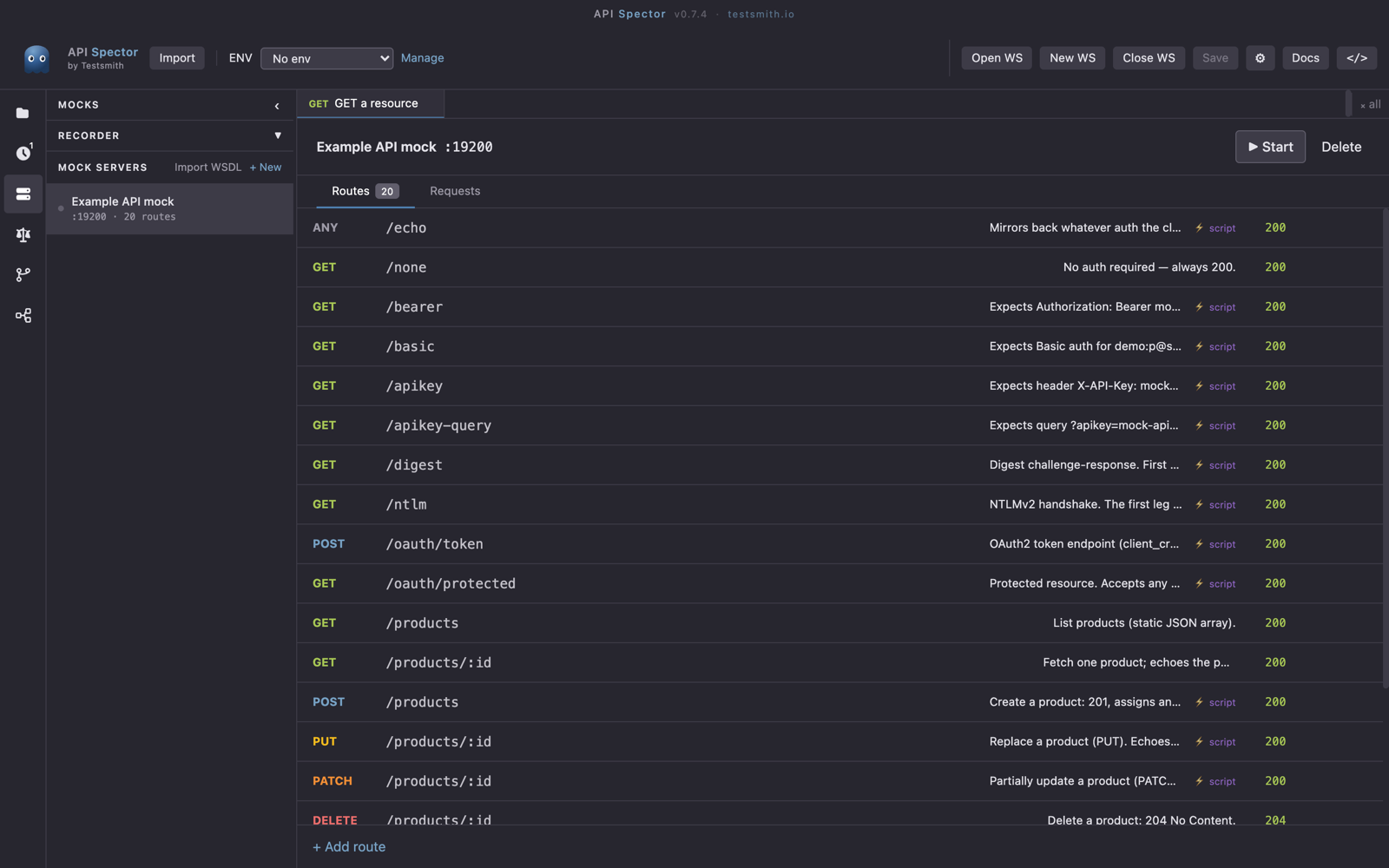
API Spector starts each mock server on its configured port and prints where it is listening and what it serves:
  Mock Servers
  Workspace: ./my-workspace.spector

  ✓  Example API mock  http://127.0.0.1:19200  (20 routes)
       GET     /products       →  200
       POST    /products       →  200
       GET     /products/:id   →  200
       DELETE  /products/:id   →  204
       ...

  Press Ctrl+C to stop all servers.
The same definitions you see in the Mocks panel run here, scripts and {{...}} tokens included.
2. Start just one mock
If a workspace has several mocks and you only want one, filter by name (repeat --name for more than one):
npx api-spector mock --workspace ./my-workspace.spector --name "Example API mock"
3. Watch requests live
Add --log to print every request as it arrives, with its status, duration, and the route it matched (or a "no match"):
npx api-spector mock --workspace ./my-workspace.spector --log
  12:04:51.332  Example API mock  GET   /products  200  4ms  → GET /products
  12:04:53.880  Example API mock  POST  /orders    404  1ms  (no match)
From the app
If you have a mock open in the desktop app, hover Start to see the exact CLI command for it. It is the same npx api-spector mock --workspace <path> you would run anywhere.
Why it matters
Running mocks from the CLI makes your mock API just another process. Start it in a CI job before integration tests, bake it into a container for a demo environment, or keep it running in a terminal while you build a frontend against it. No window required.