How to use hooks in API Spector
 Roy de Kleijn · · 3 min read
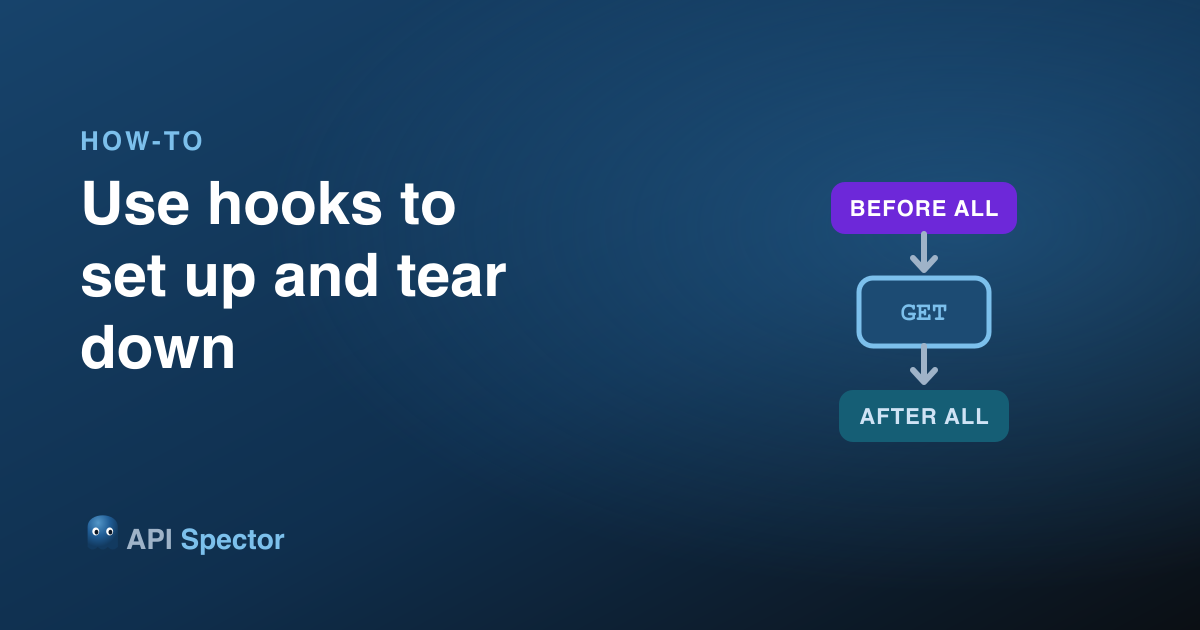
Hooks let you run setup and teardown around your requests without wiring it into every one by hand. A hook is just a request you tag with a lifecycle role, and API Spector runs it at the right moment when you run a folder or a collection.
The four hook types
Tag a request as one of four hook types:
- Before All - runs once, before any regular request in the folder (and its sub-folders).
- Before Each - runs before every regular request.
- After Each - runs after every regular request. Always runs, even when the request failed.
- After All - runs once, after all requests have finished. Always runs.
Before-hooks are where you authenticate or seed data; after-hooks are where you clean up. Because After Each and After All always run, teardown still happens when a test in the middle fails.
1. Tag a request as a hook
Open the ... menu on a request in the tree and pick a Hook type. The request gets a colored badge: violet for the Before hooks, cyan for the After hooks, so you can read the lifecycle at a glance.
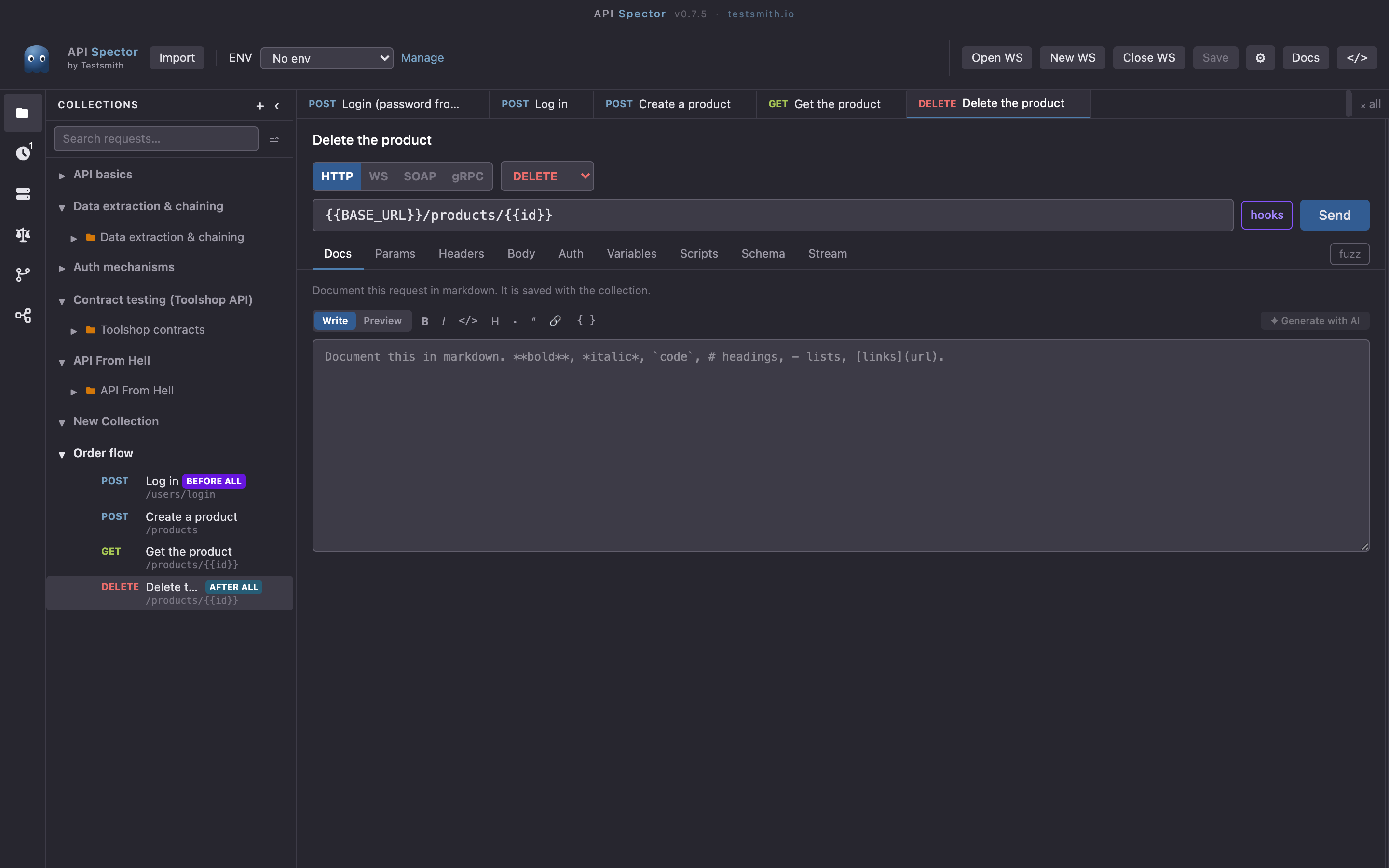
In the folder above, "Log in" is tagged Before All and "Delete the product" is tagged After All, wrapped around the regular requests that create and read a product.
2. Pass data from a hook into the run
A Before All hook usually authenticates. Capture something from its response into a variable with a post-response script:
sp.variables.set('token', sp.response.json().access_token);
Then reference it in the regular requests, for example in an Authorization: Bearer {{token}} header. The variable the hook sets carries into every request in the run.
3. Run the folder
Run the folder (or the whole collection). API Spector orders the run as Before All once, then for each regular request Before Each, the request, After Each, and finally After All once. Hooks are the scaffolding around the run, not separate entries in the test count.
Run a whole folder as a hook
A folder can be a hook itself: use Run folder as hook to make every request inside it part of, say, the Before All phase. That is handy when setup takes several calls (log in, create a tenant, seed a record).
Turn hooks off for a quick send
Next to Send, the hooks toggle controls whether hooks run for a manual send. Turn it off when you just want to fire the one request without the setup and teardown, and turn it back on to run the full lifecycle.
Why it matters
Hooks keep authentication and cleanup in one place instead of pasted into every request. Setup runs once, teardown always runs, and the run stays readable.