How to test a GraphQL API in API Spector
 Roy de Kleijn · · 1 min read

API Spector has a dedicated GraphQL editor, so you get schema-aware editing instead of pasting a query into a raw body.
1. Create the request
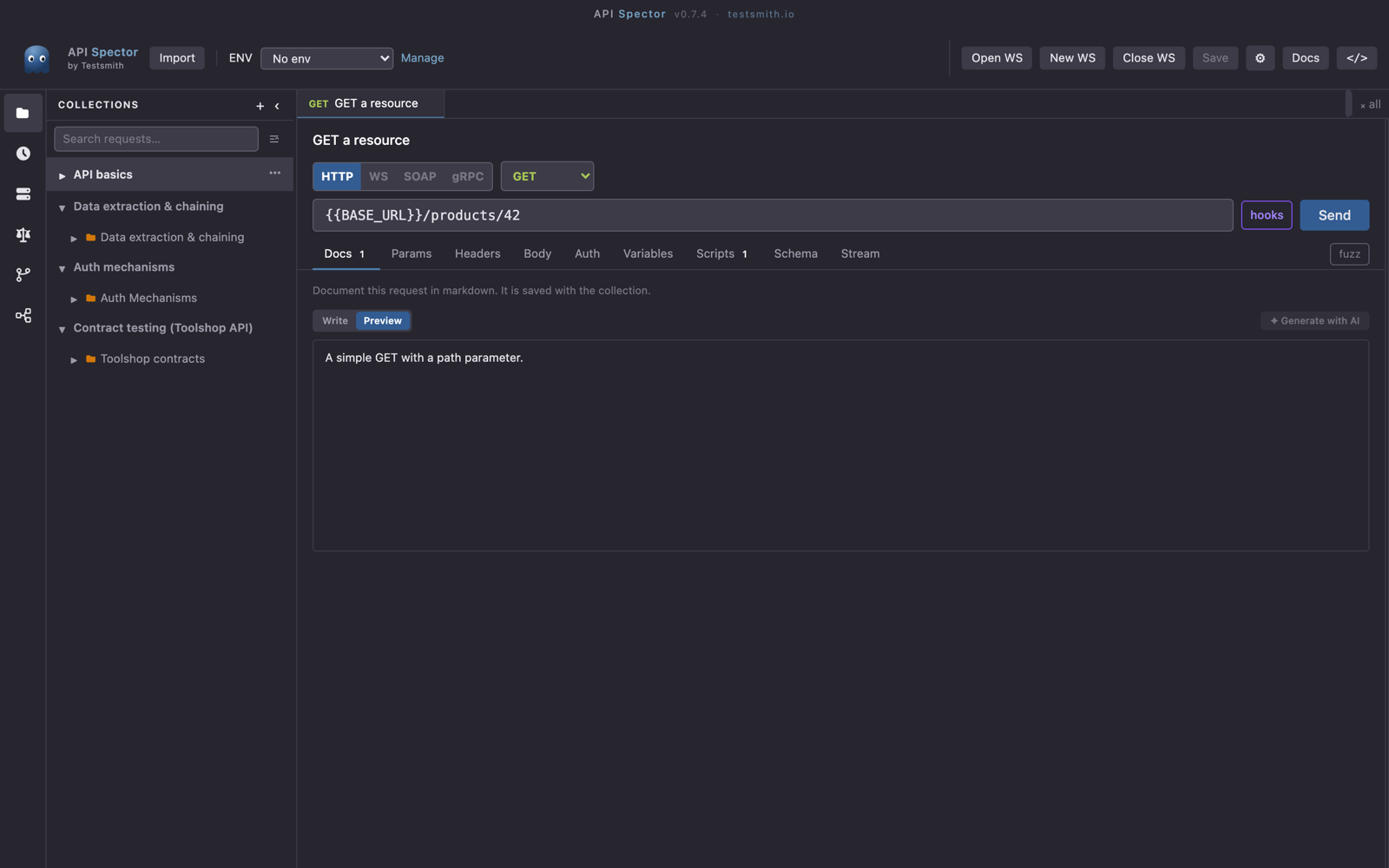
Add a request and set the method to POST with your GraphQL endpoint as the URL, for example https://api.example.com/graphql.
2. Switch the body to GraphQL
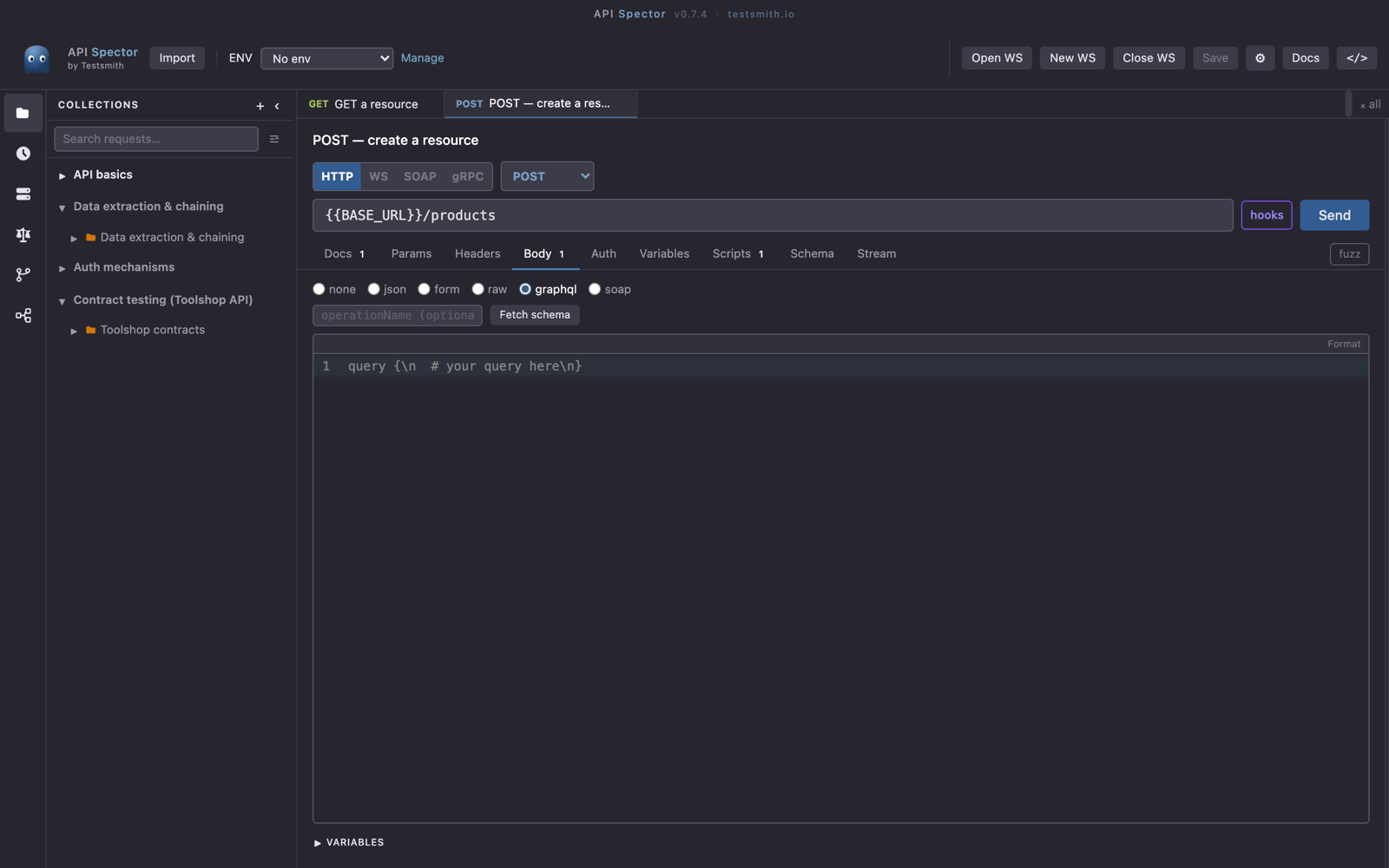
Open the Body tab and choose the graphql mode. This loads the GraphQL editor with a query area, a Variables panel, and an Explorer.
3. Load the schema
Click Fetch schema. API Spector introspects the endpoint so the editor can autocomplete fields and types. The Explorer lets you build a query by checking the fields you want.
4. Add variables and send
Write your query, set any values in the Variables panel as JSON, and press Send. Inspect the result in the response Tree view, where you can click into the data.
Tip
The Scripts tab has a GQL Introspect section for GraphQL requests, and you can capture a value from the response into a variable with a post-response script to feed the next call.