How to test a SOAP service in API Spector
 Roy de Kleijn · · 2 min read
SOAP services are described by a WSDL, and API Spector reads it for you, so you do not have to hand-build the envelope.
1. Switch the request to SOAP
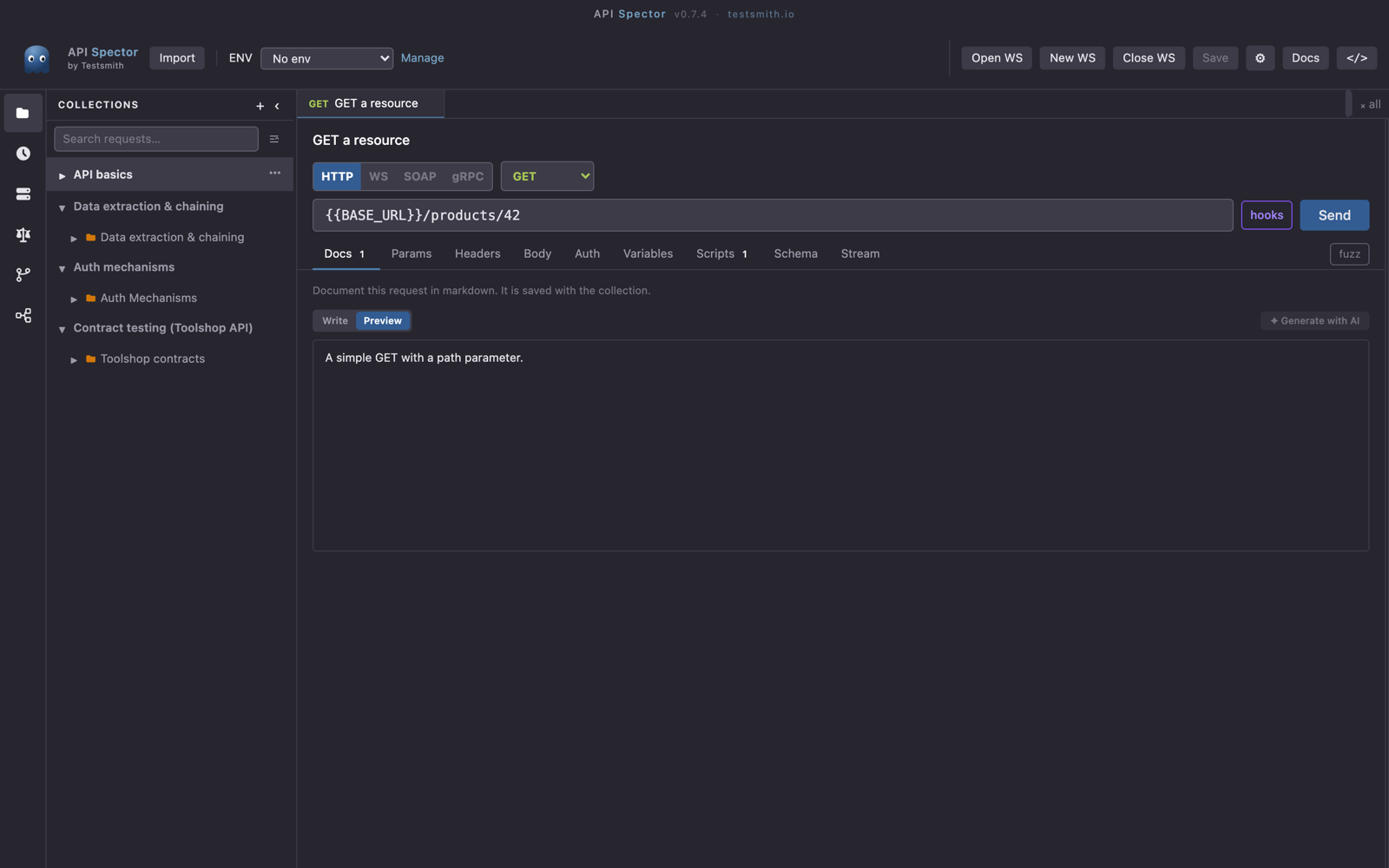
Add a request, then use the protocol toggle at the top of the request builder: HTTP, WS, SOAP, gRPC. Choose SOAP. The method shows a fixed POST badge, which is correct for SOAP.
2. Point it at the WSDL
The endpoint is filled in automatically from the WSDL's <soap:address>, so you work from the service description rather than guessing URLs. The Body tab becomes a SOAP editor driven by the WSDL.
3. Pick an operation and fill the body
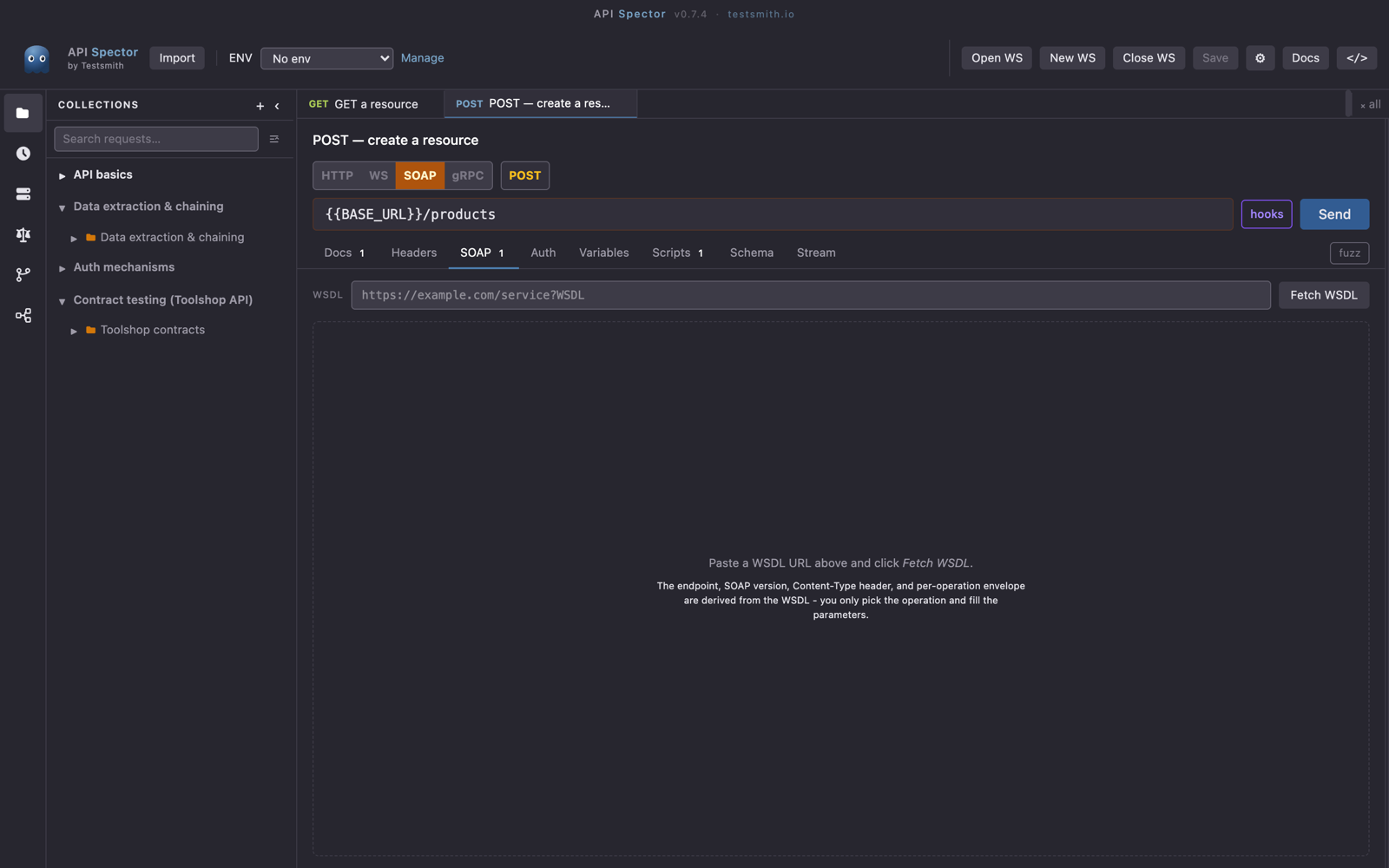
The SOAP editor lists the operations from the WSDL. Choose one and fill in the fields it expects. Because the editor is generated from the contract, you get the right element names and structure instead of copying XML by hand.
4. Send and read the response
Press Send (or Cmd/Ctrl + Enter). The response panel shows the status, time, and size, with the XML body pretty-printed in the Raw view.
Mock a SOAP service
You can also stand up a SOAP mock from the same WSDL. In Mock servers, use Import WSDL, paste the WSDL URL, and API Spector generates one dispatch route per operation. That gives your team a local SOAP endpoint to build against. See the guide on creating a mock server for the rest.