How to test a streaming API in API Spector
 Roy de Kleijn · · 1 min read
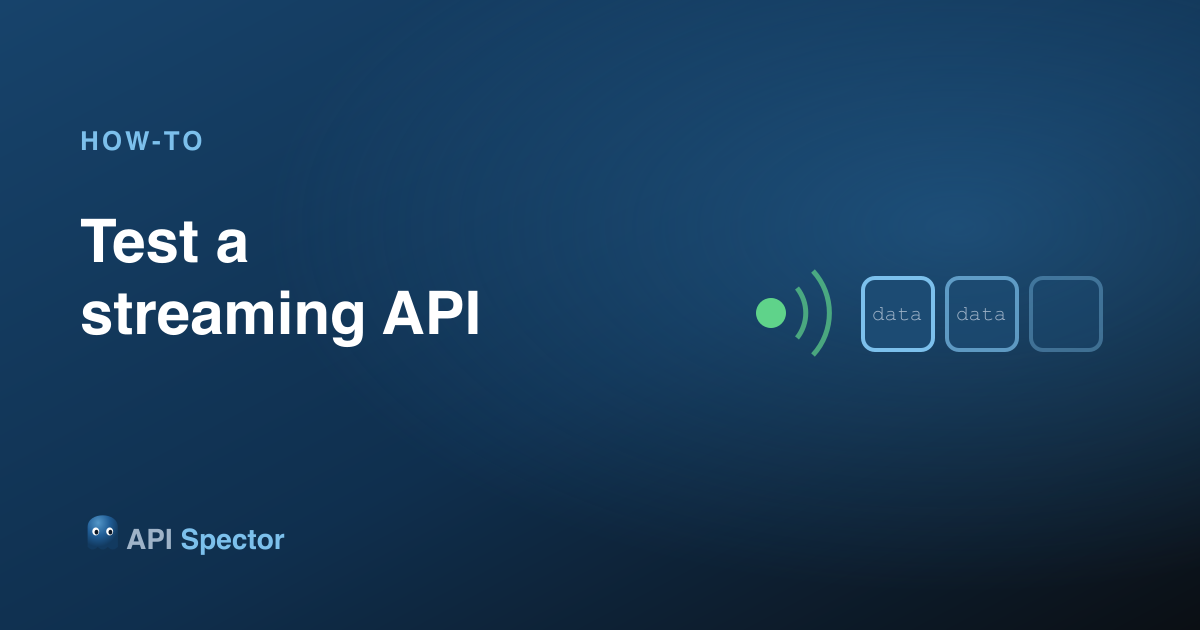
Not every response arrives all at once. Server-Sent Events, NDJSON, and chunked responses stream data over time. API Spector renders each frame as it arrives, and the Stream tab controls how long it waits.
1. Send a streaming request
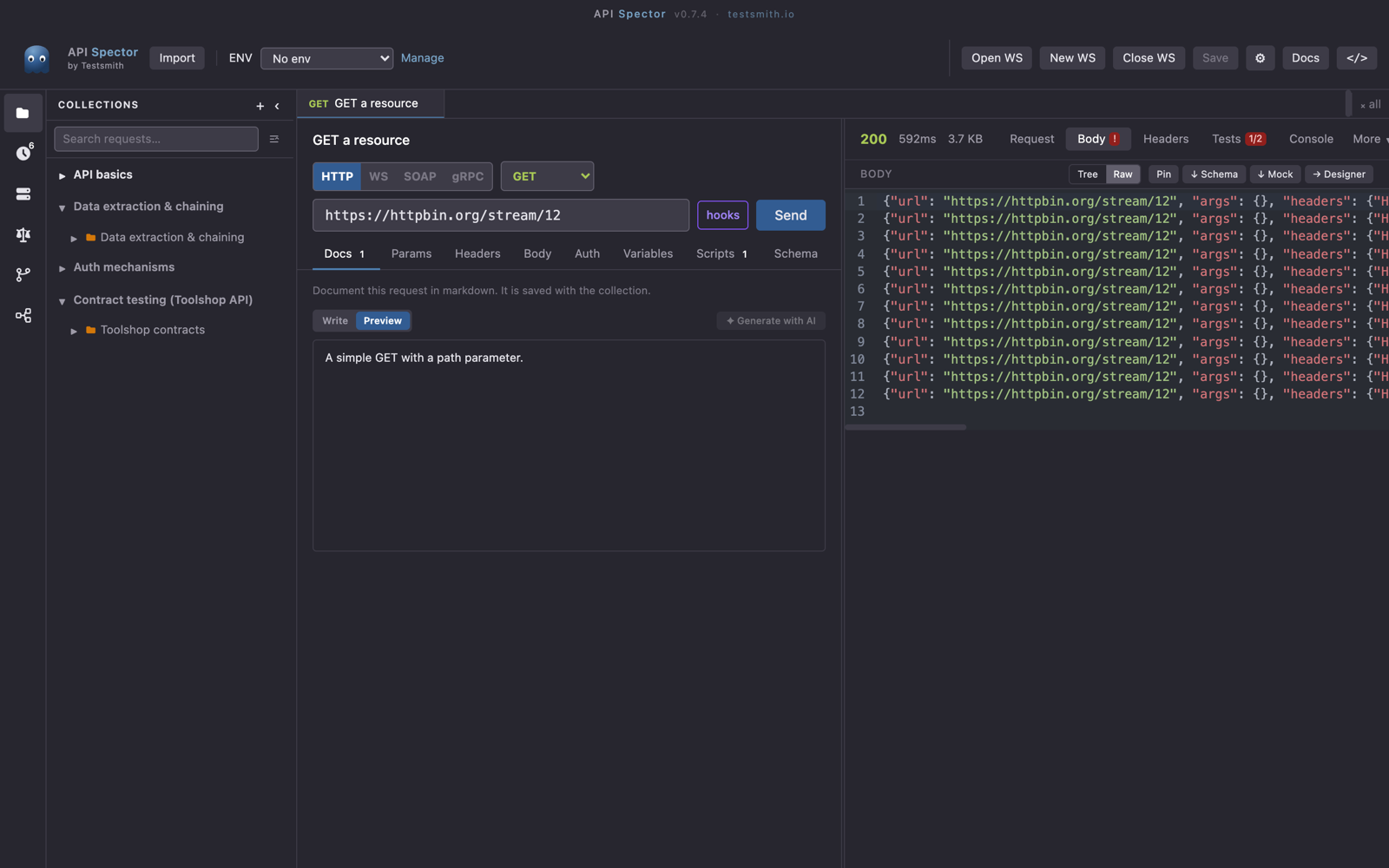
Point a request at a streaming endpoint (SSE, NDJSON, or chunked) and press Send. Instead of waiting for the whole body, API Spector shows each frame the moment it comes in.
2. Set the stream timeouts
Open the Stream tab. Set an idle timeout (how long to wait between frames before stopping) and a total timeout (a hard cap on the whole stream). That keeps a never-ending stream from running forever while you test.
3. Read the frames
The response pane appends each frame as it arrives, so you can watch the data flow and confirm the server is pushing what you expect, rather than guessing from a single final body.
WebSockets too
For two-way streams, switch the protocol toggle to WS. Connect, send messages, and see the replies in the same live view.