How to validate a response schema in API Spector
 Roy de Kleijn · · 1 min read
Schema validation catches the moment a response changes shape, for example a field that disappears or a type that flips, without you writing assertions by hand.
1. Get a response to base the schema on
Send a request that returns the shape you expect to keep getting.
2. Save a schema from the response
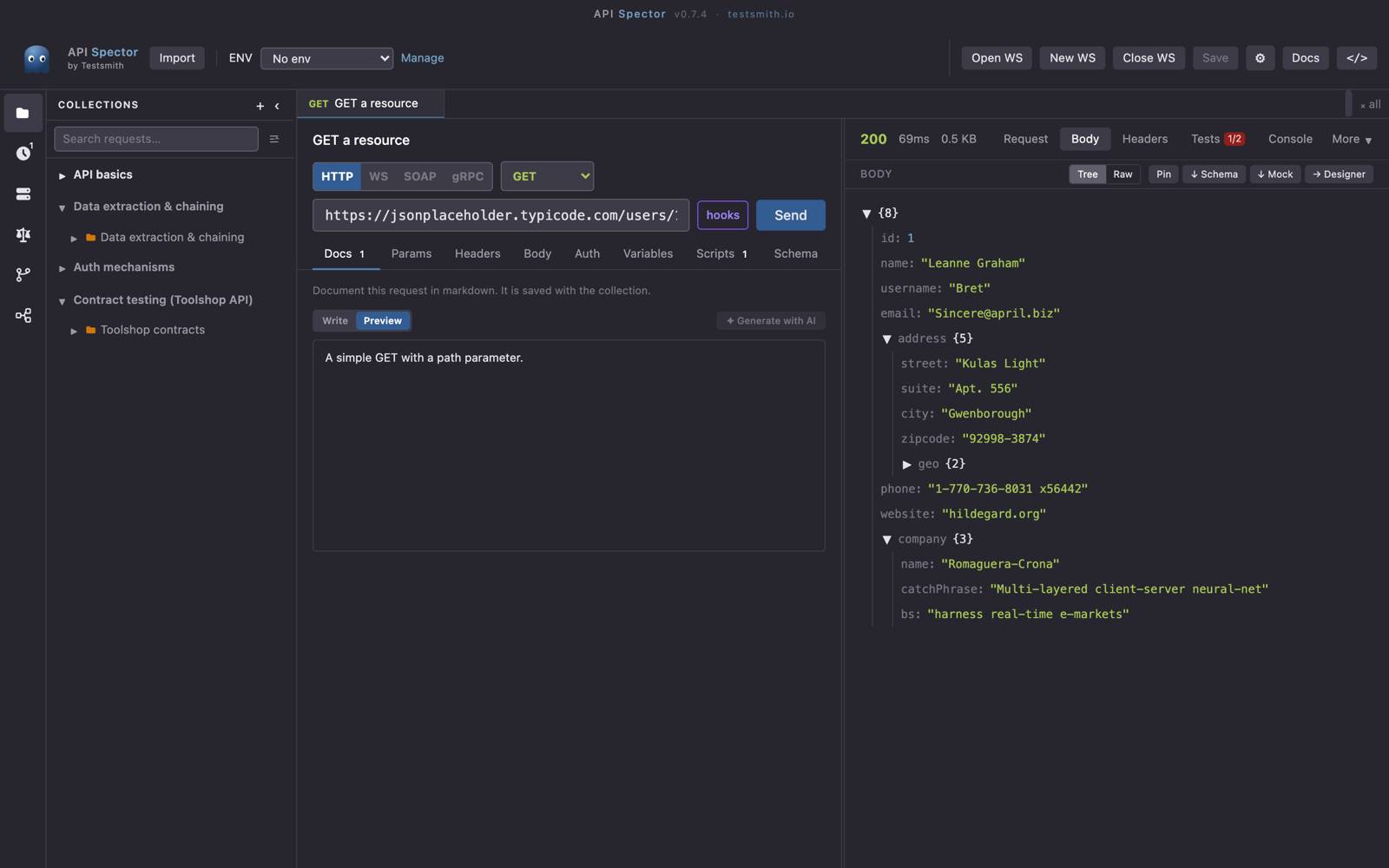
In the response panel, click ↓ Schema. API Spector infers a JSON Schema from the body and stores it with the request.
3. Validation runs on every send
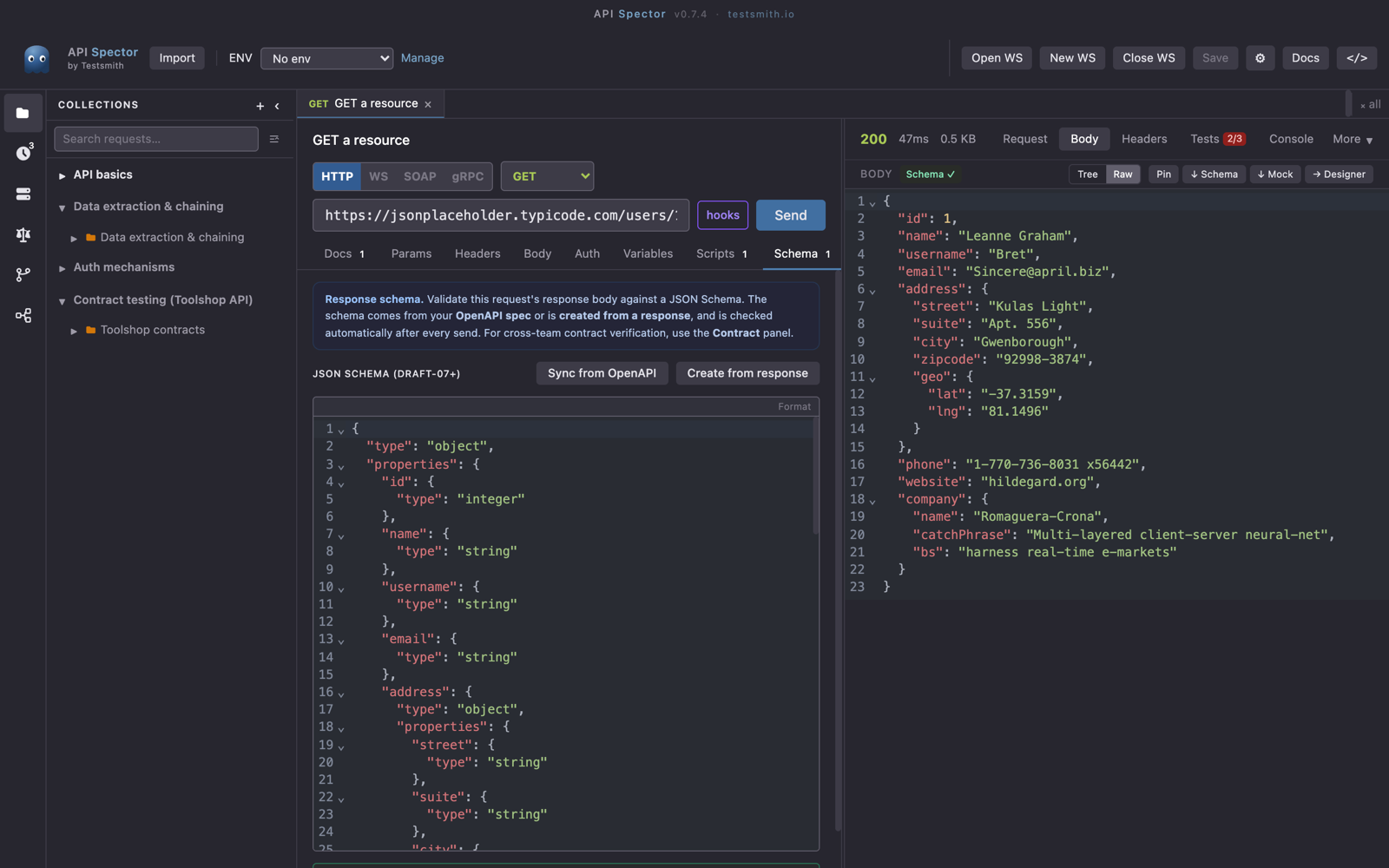
From then on, each time you send the request, API Spector checks the response against the stored schema and shows a Schema ✓ or Schema ✗ badge. A cross means the response drifted from the shape you locked in, so you notice a breaking change the moment it happens.
4. Edit the schema
The request's Schema tab holds the JSON Schema. Tighten or relax it there, for example make a field required or pin a type, and the next send validates against your edits.